

How To Shoot with 67mm Filters on iPhone
One of the best ways to add some creativity into your iPhone photography or videography is to add filters. They can allow for fun effects that you can’t achieve in camera, or they can allow you to control your image more than allowed with just shutter speed, iso, and white balance for more cinematic video.

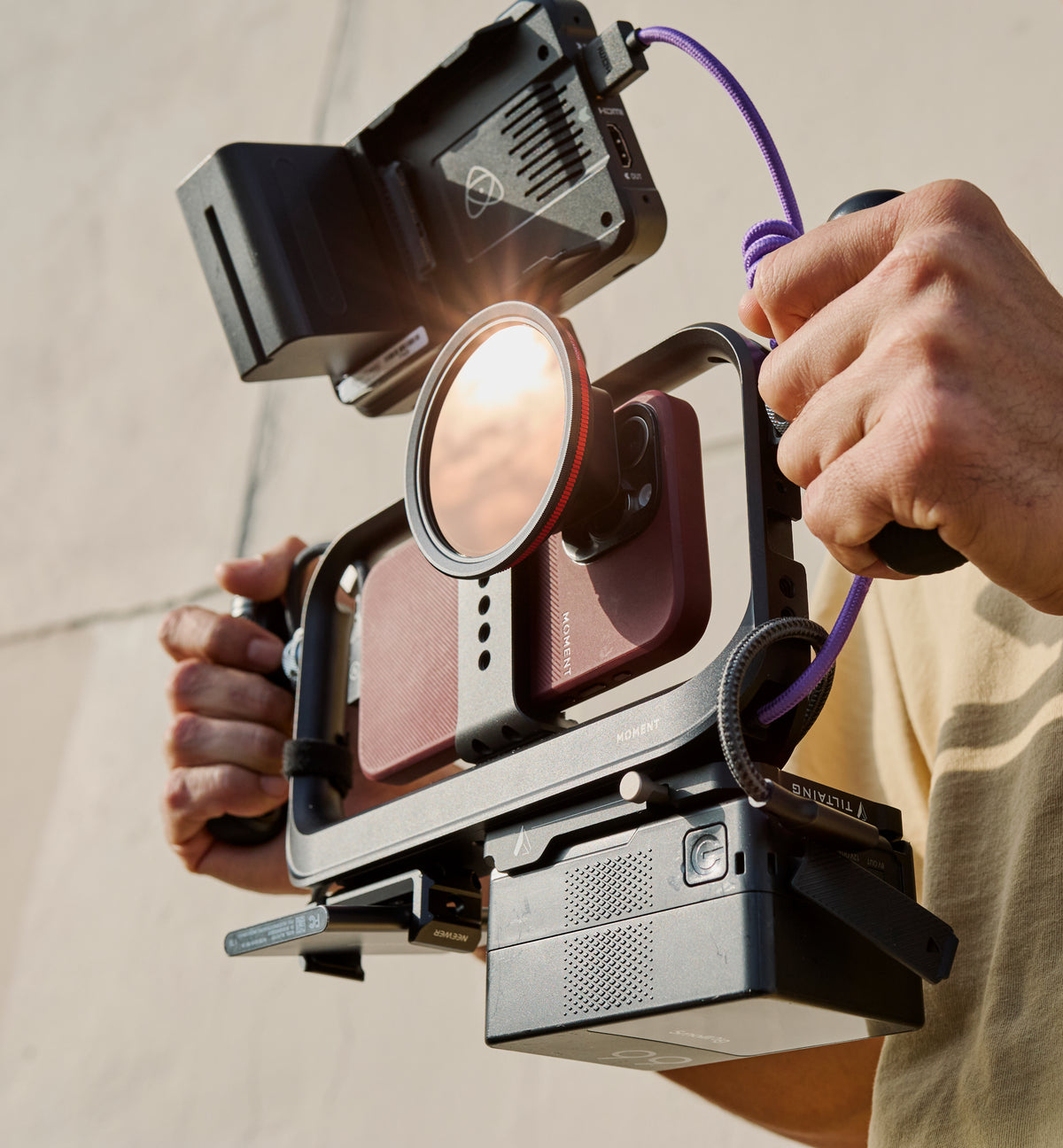
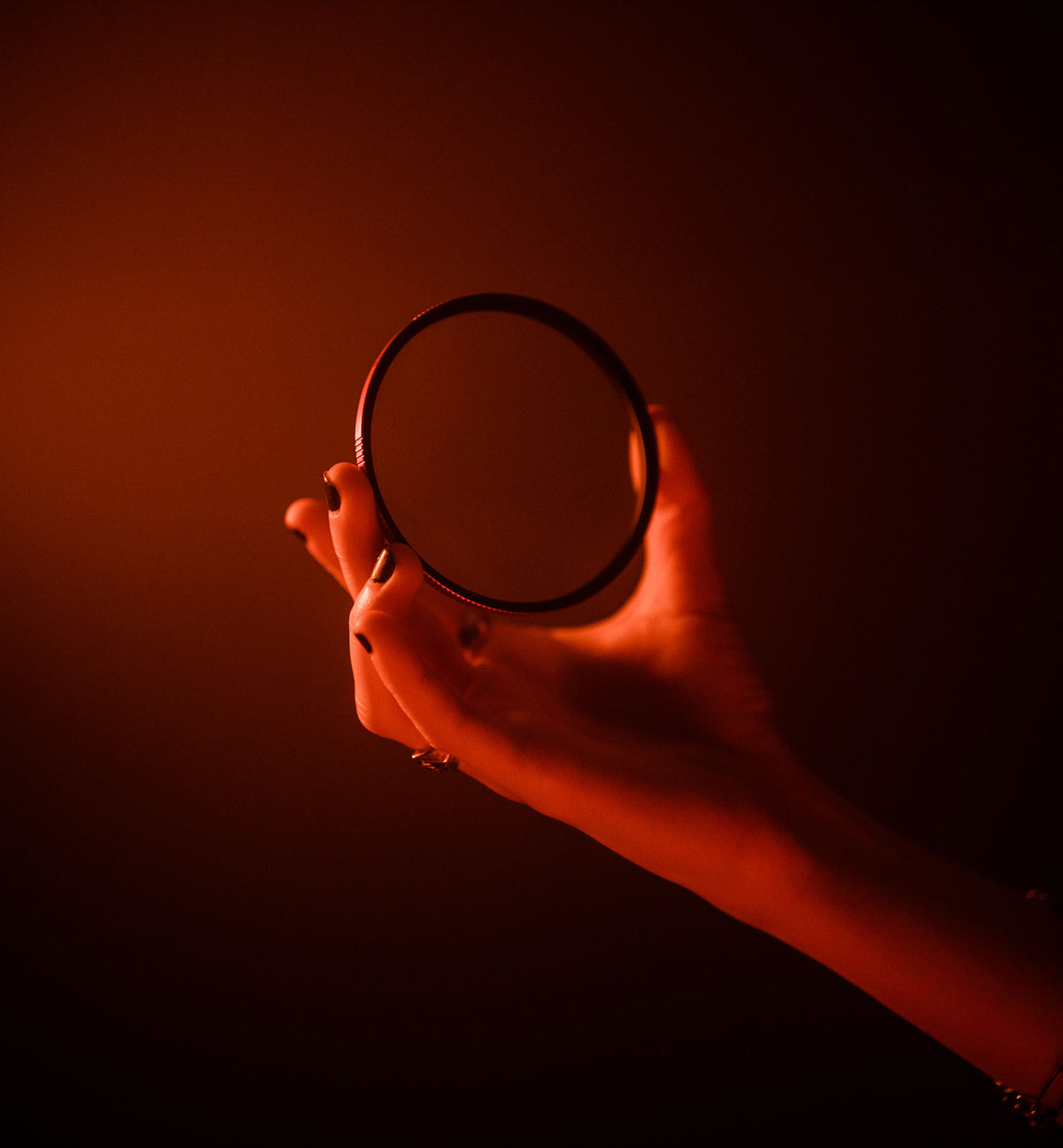
67mm CPL AntiGlare filter
Filters for cameras come in a variety of sizes and shapes based on your lens, but one of the great things about shooting on an iphone is that it is so compact you don’t need to use massive filters like you would if you were shooting on a full frame Canon or Sony camera!
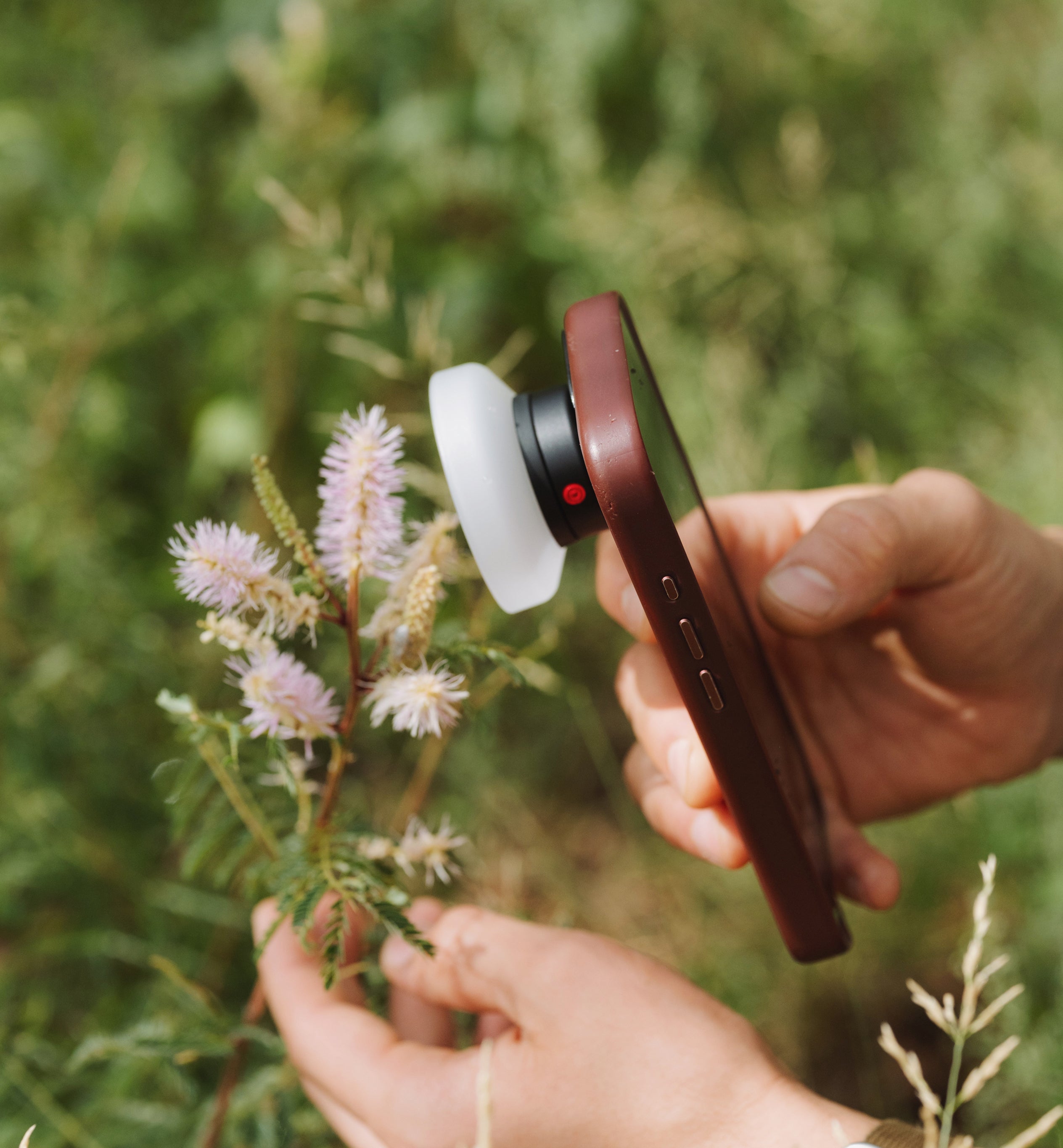
Moment offers a few great ways of attaching filters to your iphone, but for this article we will focus most on the universal phone filter mount.

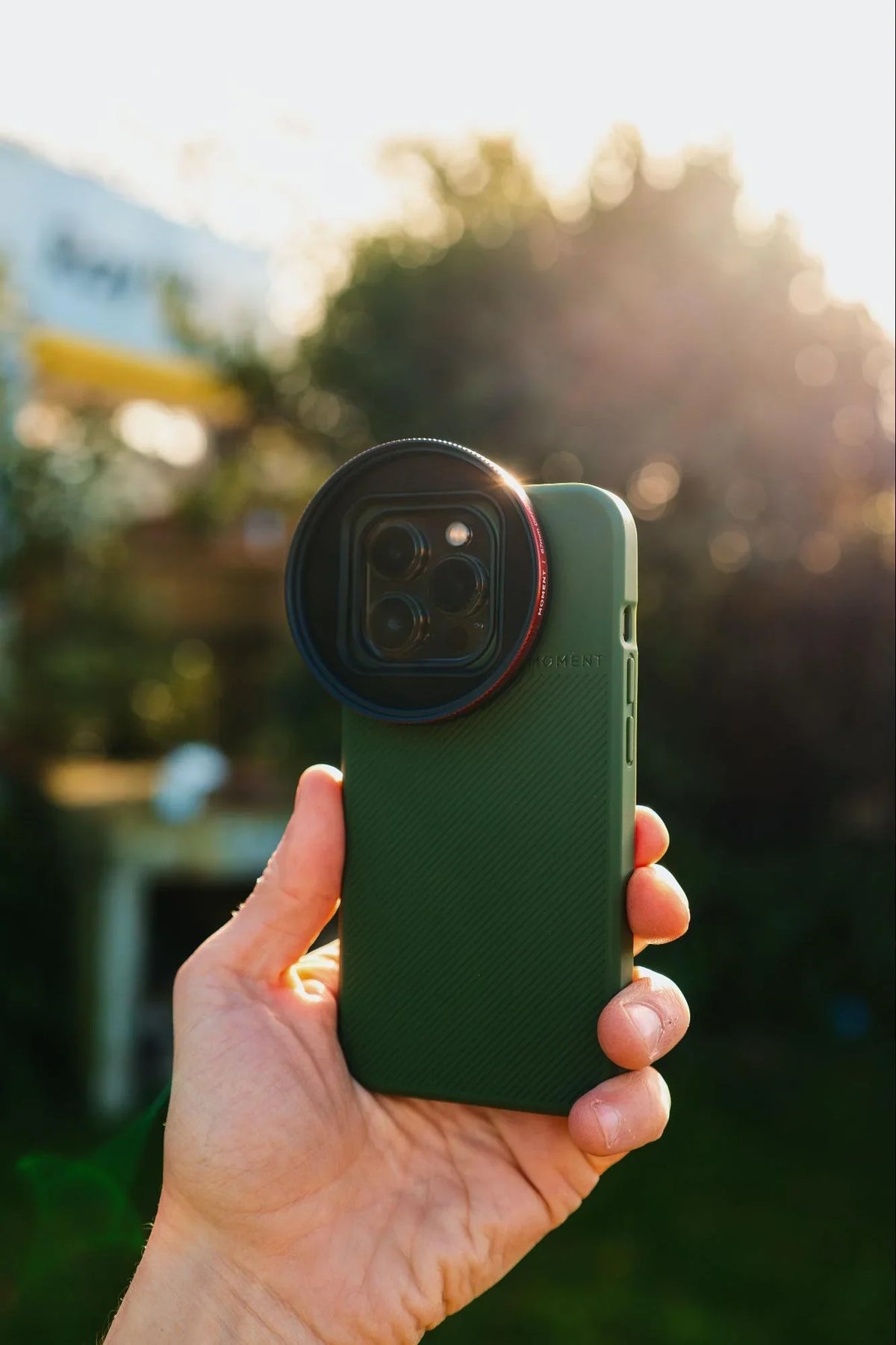
Using the filter directly over the phone.
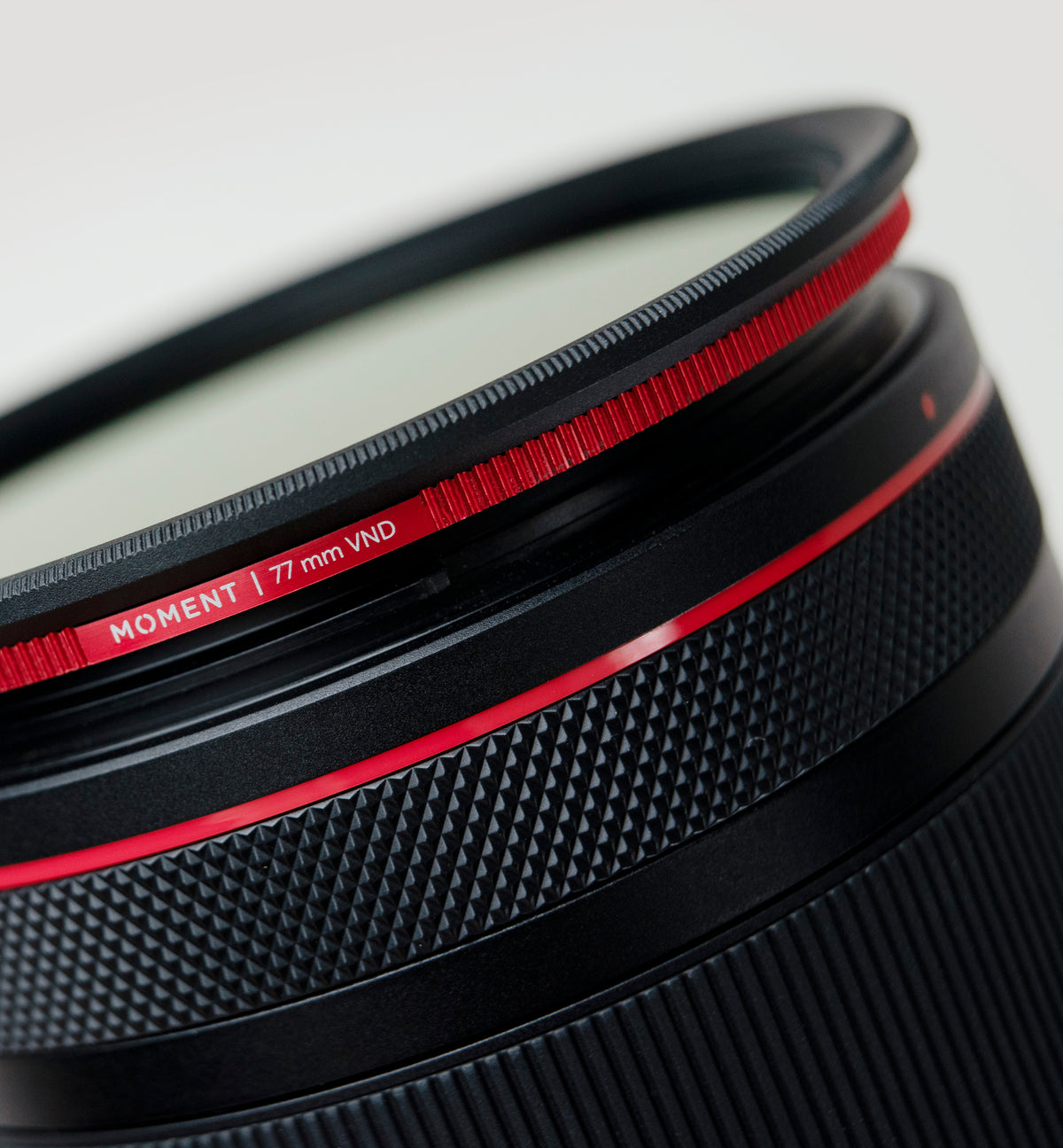
Before picking out a filter you want to make sure that you have the correct size for your camera or lens or iPhone. Filters come in sizes denoted my millimeters (mm), for example 67mm or 77mm.
You will want to look on your filter mount product page for your iPhone and find where it lists the filter thread size.
Both the Moment Universal Filter Mount and the 67mm Lens Filter Mount for T-Series lenses offer an easy way of mounting 67mm filters to your phone.

The universal filter mount.
Moment offers a variety of 67mm filters that you can attach to your iPhone in order to achieve the look you are wanting:
CineBloom
The Moment CineBloom diffusion filters, which we have more information here at this article, are great for giving a little bit of a dreamy look to your images, great for adding a retro vintage vibe to the brighter areas of your images, while still retaining the detail and sharpness.

CineBloom 10% filter on the filter mount.

Shot on CineBloom 10%

Shot on CineBloom 10%

Shot on CineBloom 10%

Shot on CineBloom 10%
Variable Neutral Density Filters (VNDs)
Variable Neutral Density Filters really help you control your exposure or brightness on your image when you want to get a certain effect while keeping.
There’s also the CineBloom VND Filter, which is a lovely combination of both diffusion and exposure control.

A simple twist.

Shot on Variable ND filter and iPhone.

Shot on Variable ND filter and iPhone.

Shot on Variable ND filter.
CPL (Circular Polarizing) Filter
A CPL polarizing filter is useful for reducing reflections on glass and water, as well as bringing some color and contrast back into your image depending on the composition.

The CPL filter.

Shot on CPL AntiGlare filter.

Shot on CPL AntiGlare filter.

Shot on CPL AntiGlare filter.
Once you have your 67mm filters picked out for the look you are after, you’ll want to turn your phone screen off then take your Moment Filter Mount and loosen the thumb screw on the back enough to be able to gently rest it around the edge of your phone.

Next you’ll secure the shoulder of the mount flat against the edge of your phone and align the opening of the filter mount with the lenses on your phone, doing your best to center the widest lens on your phone (e.g. iPhone 15mm lens) with the center of the filter mount.

Then you’ll want to carefully tighten the thumb screw on the back of your filter mount onto your phone, making sure you don’t crank it down too tight that it’ll break your screen protector, but not too loose that the filter mount will fall off!

Then once you have your filter holder installed on your phone you will want to take whichever filter you are wanting for your creative effect and carefully line up the screw threads, making sure not to cross thread, and tighten the filter onto the mount until it is snug. Again, you don’t want to over tighten or you risk not being able to remove your filter!
 |
 |
Now you can head out and shoot!

QuickLock Filters
An alternative to using a 67mm filter on an iPhone is using the Moment QuickLock system. This system is for newer iPhones with a compatible moment case, but it allows for quick, seamless changes between the filters you are using on your iphone. They are also quite a bit smaller than using 67mm filters.
Coming in 4 varieties, Cinebloom, VND, Circular Polarizer, and UV the QuickLock filters allow for fast changes in your creative vision when shooting with an iPhone.

Shot on Variable ND Filter and iPhone.

As an alternative, QuickLock filters are great for iPhone 15,16,17, and 18 models.
However, one of the upsides of using a more universal system, like 67mm filters, means you can use the same set of filters on your system camera lenses (e.g. Canon or Sony) as you can on your iPhone.
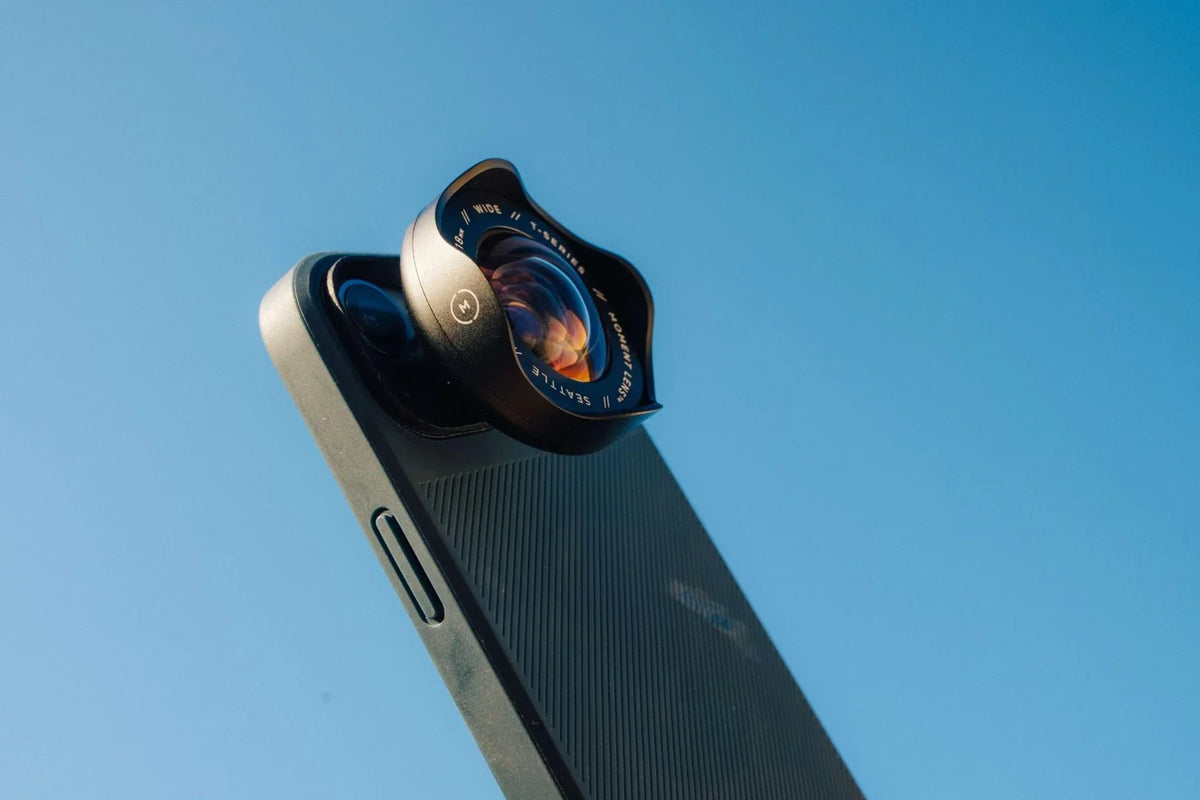
You can also use the same filters on your normal iPhone lens as you can on your Moment T-series lenses, so you only need to bring one set of filters regardless of wether you are just shooting with your iPhone or you are using the T-series 18mm, the Tele 58mm lens, Fisheye 14mm, or the Anamorphics, or even the 75mm Macro lens.

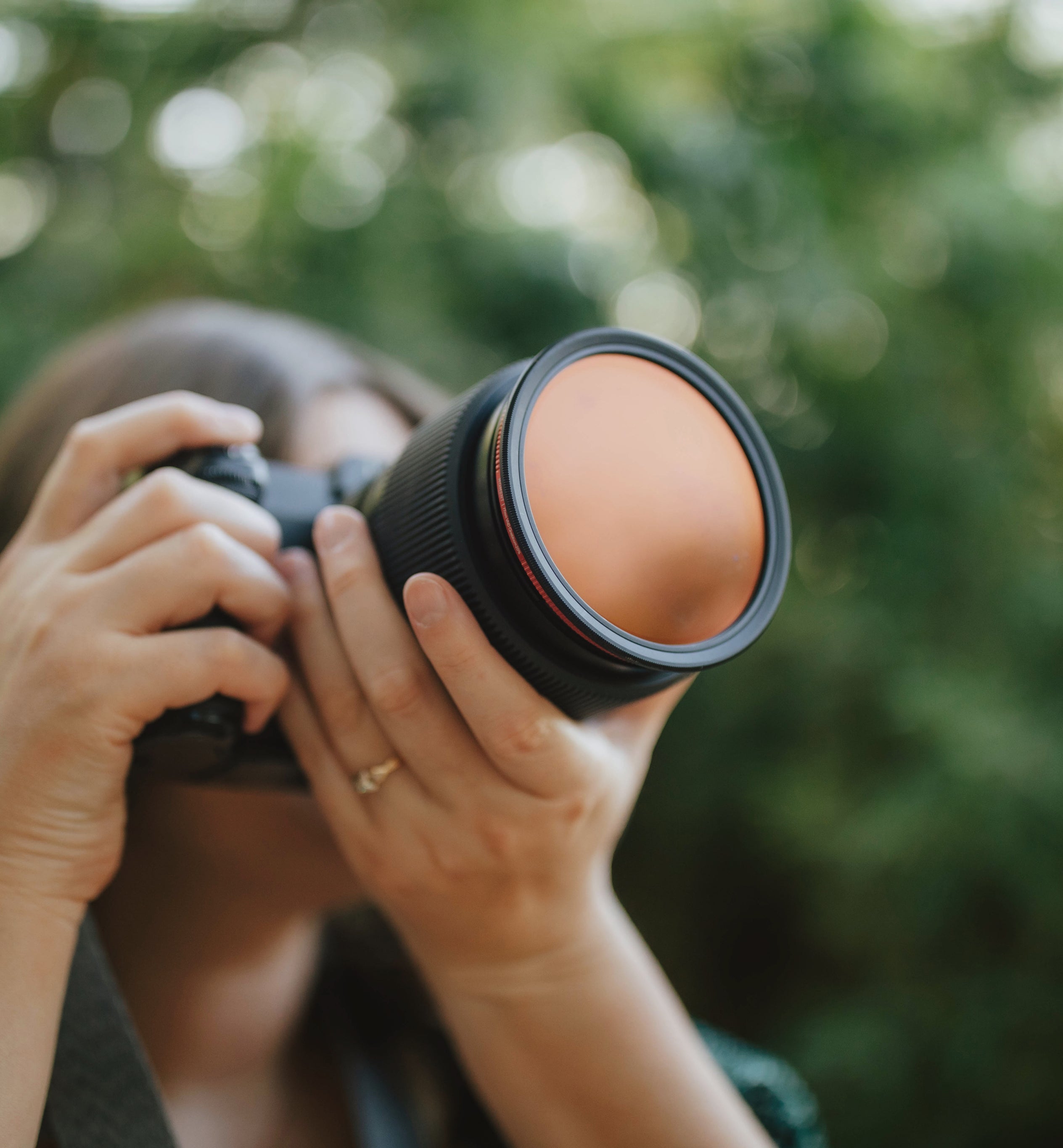
You can also use the same iPhone filters on big camera lenses!
Shooting on a phone used to be considered a disadvantage compared to a big camera, but no longer! And being able to use filters on your phone can really be a huge boon to your creativity while keeping things light and compact!
Keep Reading
Read more

The gear, accessories, and the app that makes any iPhone model's camera the best it can be for photos and videos.
Field testing the best-selling Moment Wide 18mm lens for mobile photography and filmmaking across all subjects: portraits, architecture, and lifestyle.