


Words and photos by Davey Gravey.
I got my hands on the brand new iPhone 18 Pro in burgundy, and naturally, the first order of business was getting it into a Moment case and running it through the Mobile II lens lineup. I shot everything you see here in Apple's native camera app — not the Moment Pro Camera app — because I wanted to see how these new features actually hold up on their own. (If you want more control than native gives you, the Moment Pro Camera II has you covered, but that's a story for another day.)
 Shot on iPhone 18 Pro |
 Shot on iPhone 18 Pro |
 Shot on iPhone 18 Pro |
 Shot on iPhone 18 Pro |
Aperture control, finally
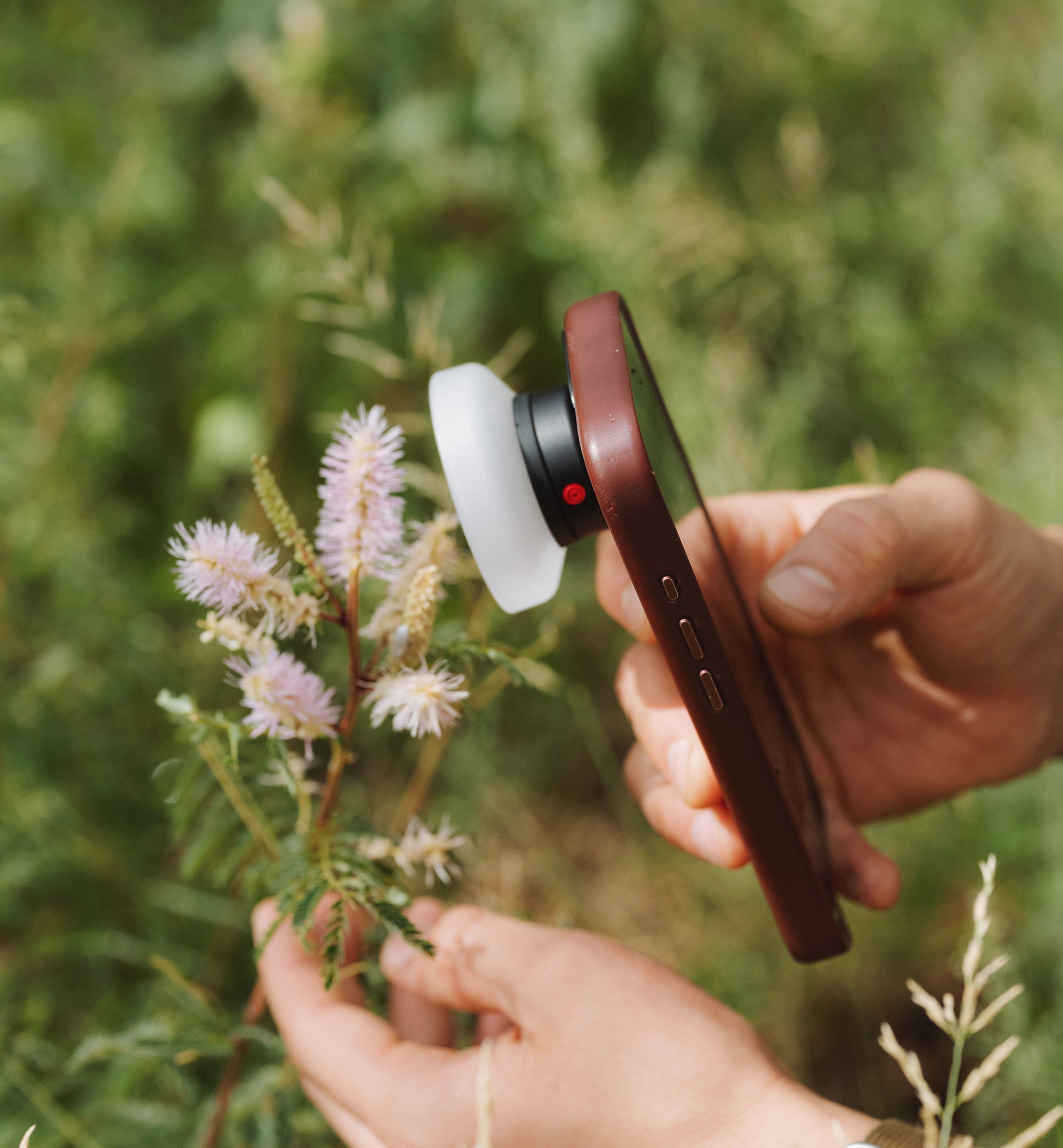
The feature everyone's buzzing about is the ability to actually change your aperture on an iPhone. I was curious how that would play with Moment glass, and honestly — it works great. I leaned on it hardest with the 10x macro. Flowers are shaky subjects at that magnification, and getting them in focus can be a fight. Stopping down to f/4 made my life a lot easier while still leaving plenty of depth of field to work with.
The Super Tele 240mm lens was a different story, though not because of the optics. The native camera app just doesn't know a lens is attached. So even at 4x or 8x, it's still using the 1x lens and digitally punching in rather than actually switching glass. In the Moment app, hitting that lens-switch button gives you a real hard switch; no such issue there.
 Native 2x Lens |
 Native 4x Lens |
 SuperTele over 2x Lens |
 SuperTele over 4x Lens |
 Native 2x Lens |
 Native 4x Lens |
 SuperTele over 2x Lens |
 SuperTele over 4x Lens |
 SuperTele 240mm |
 Native 4x Lens |
 Shot on Fisheye 8mm II |
 Shot on Wide 16mm II |


The rest of the pro toolkit
Alongside aperture, Apple packed in focus, shutter speed, white balance, and a histogram — plus the new photographic styles, if that's your thing. White balance surprised me a little. I expected a Kelvin slider, but instead you get presets: fluorescent, daylight, cloudy, and so on. Honestly, I think that's the right call. It's not as granular as I'd like, but it's a solid starting point for most people. The histogram, meanwhile, is actually pretty useful. I'll probably just leave it on permanently.
Chasing motion blur
Shutter speed was where things got interesting. I'd assumed Apple was stacking multiple exposures to fake a slow shutter in bright light, but that's not what's happening. I shot in the shade on a very bright day and still couldn't push the shutter under 1/60 without blowing everything out.
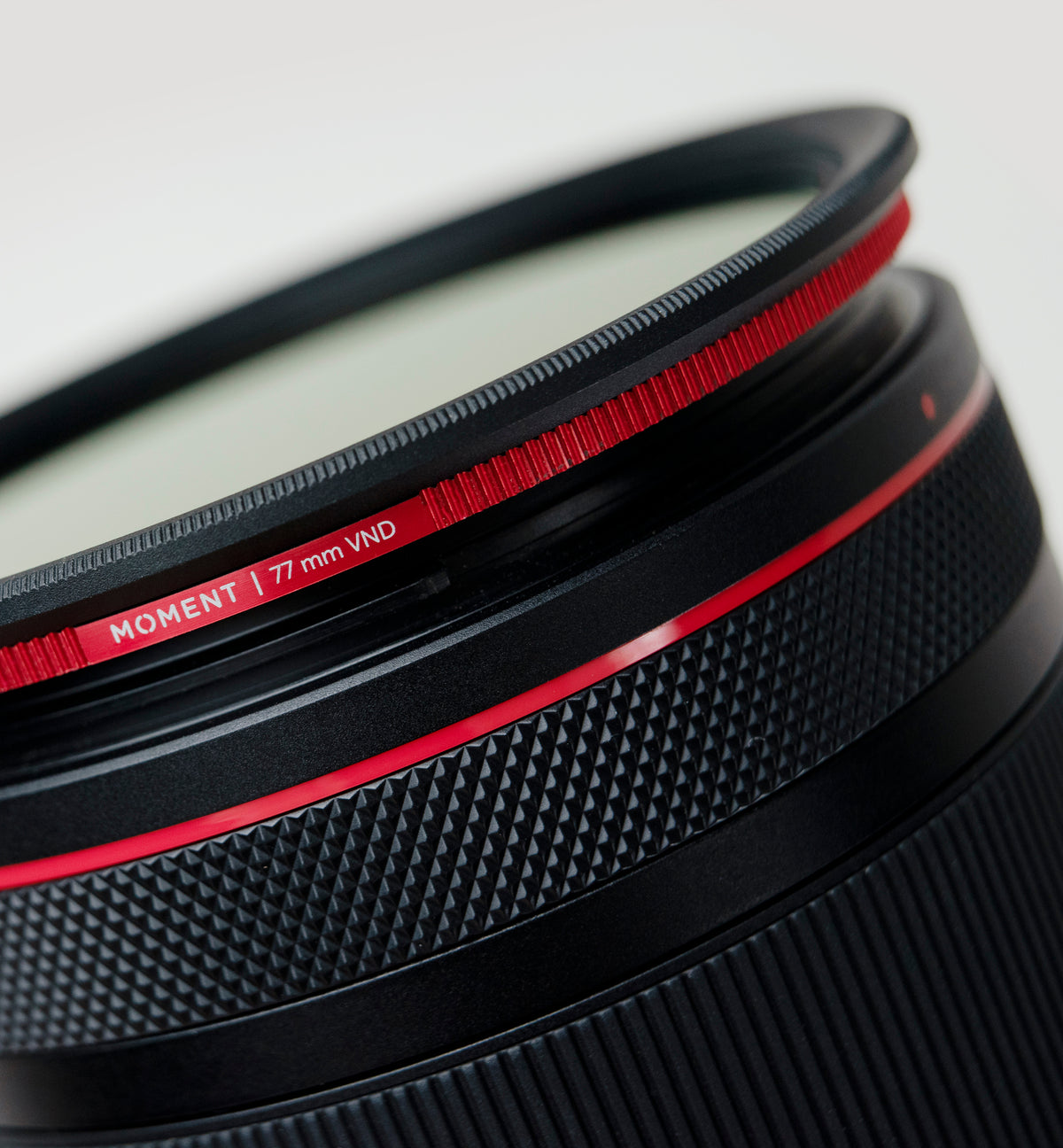
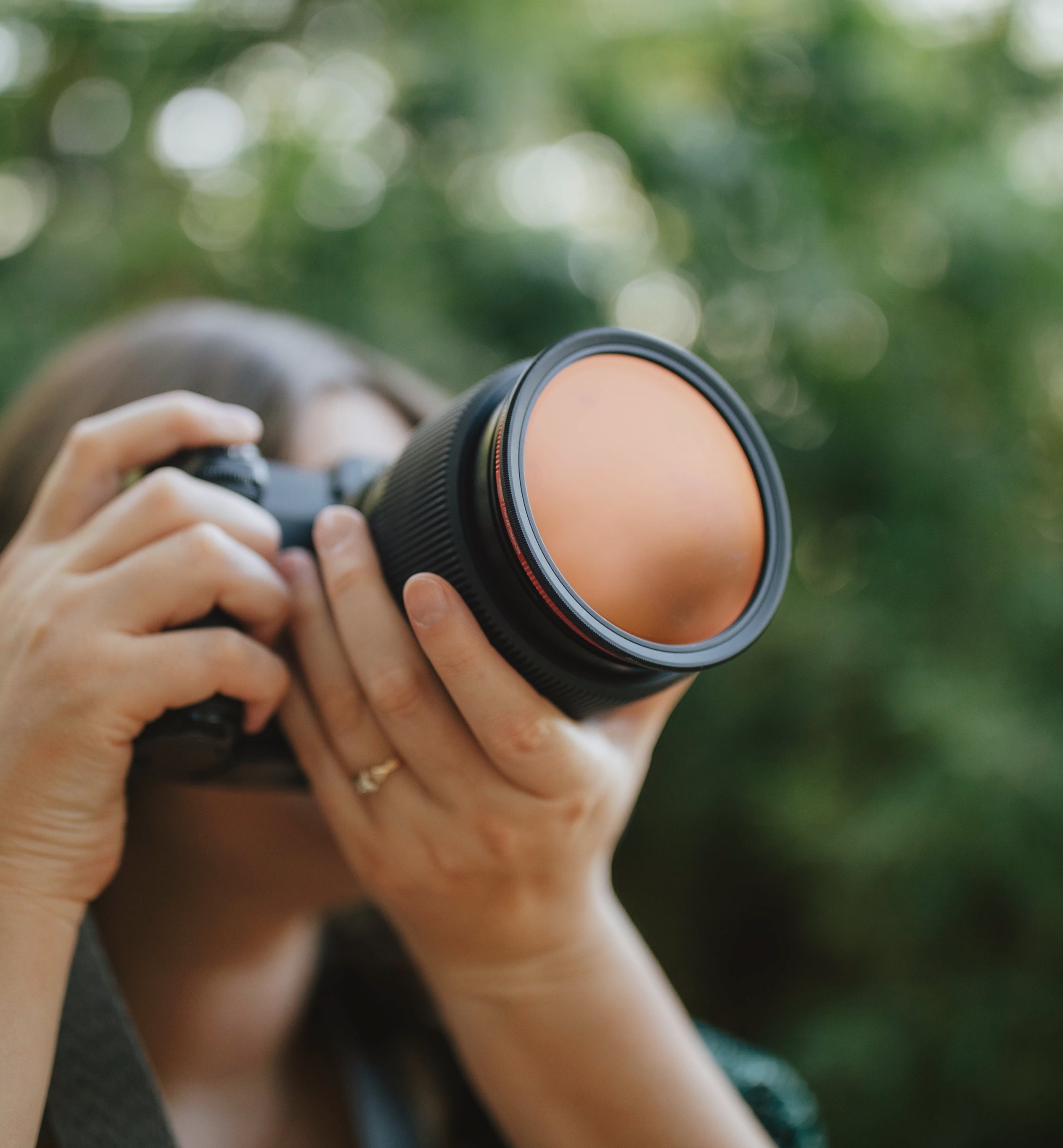
I'd half expected that, so I brought along one of the new Quick Lock Variable ND filters. That made everything easier — pick the shutter speed you actually want, then dial in the ND until your exposure sits right.
 Shot on iPhone 18 Pro w/ QuickLock VND Filter |
 Shot on iPhone 18 Pro w/ QuickLock VND Filter |
 Shot on iPhone 18 Pro w/ QuickLock VND Filter |
 Shot on iPhone 18 Pro w/ QuickLock VND Filter |

What's new on the case front
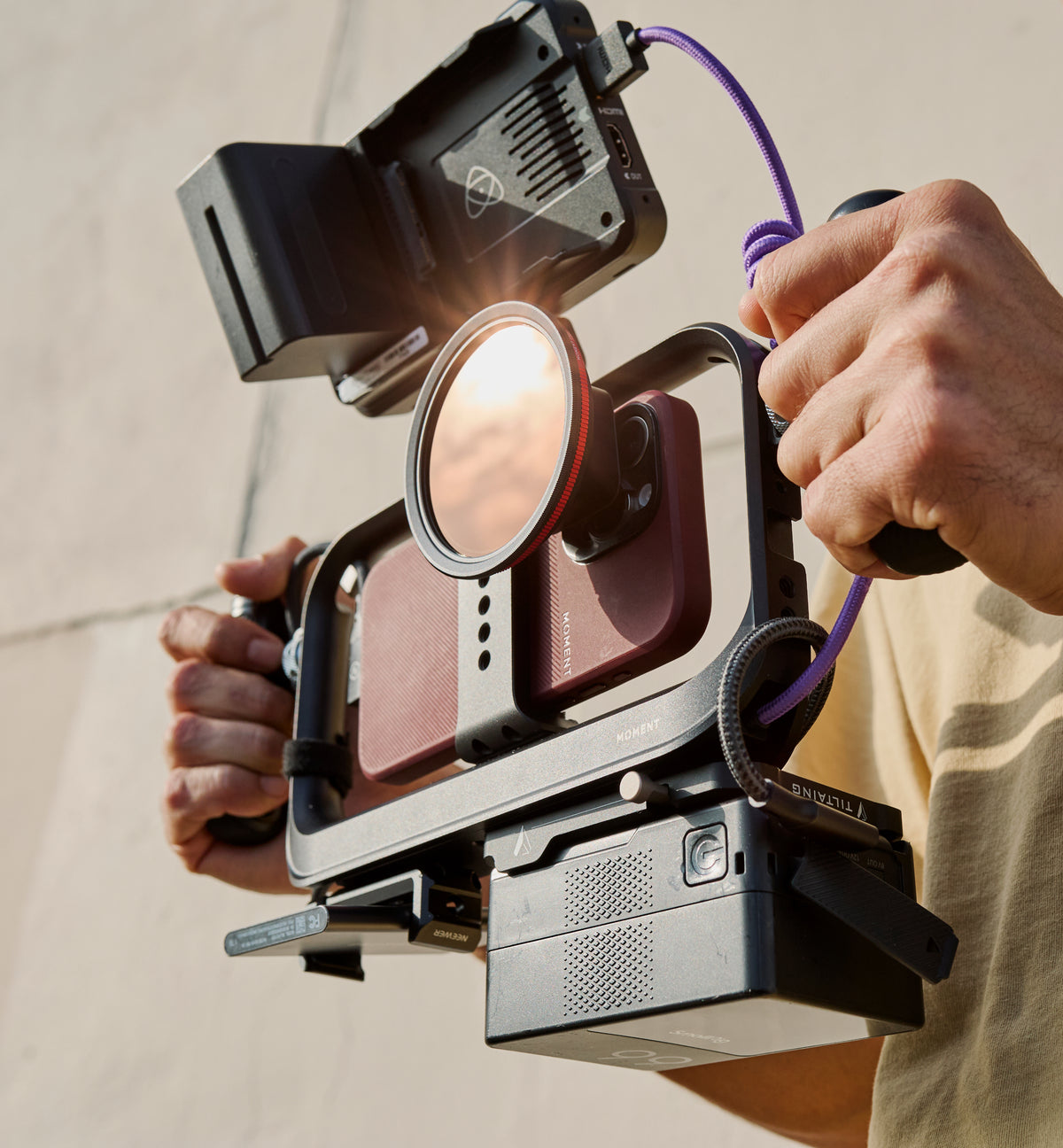
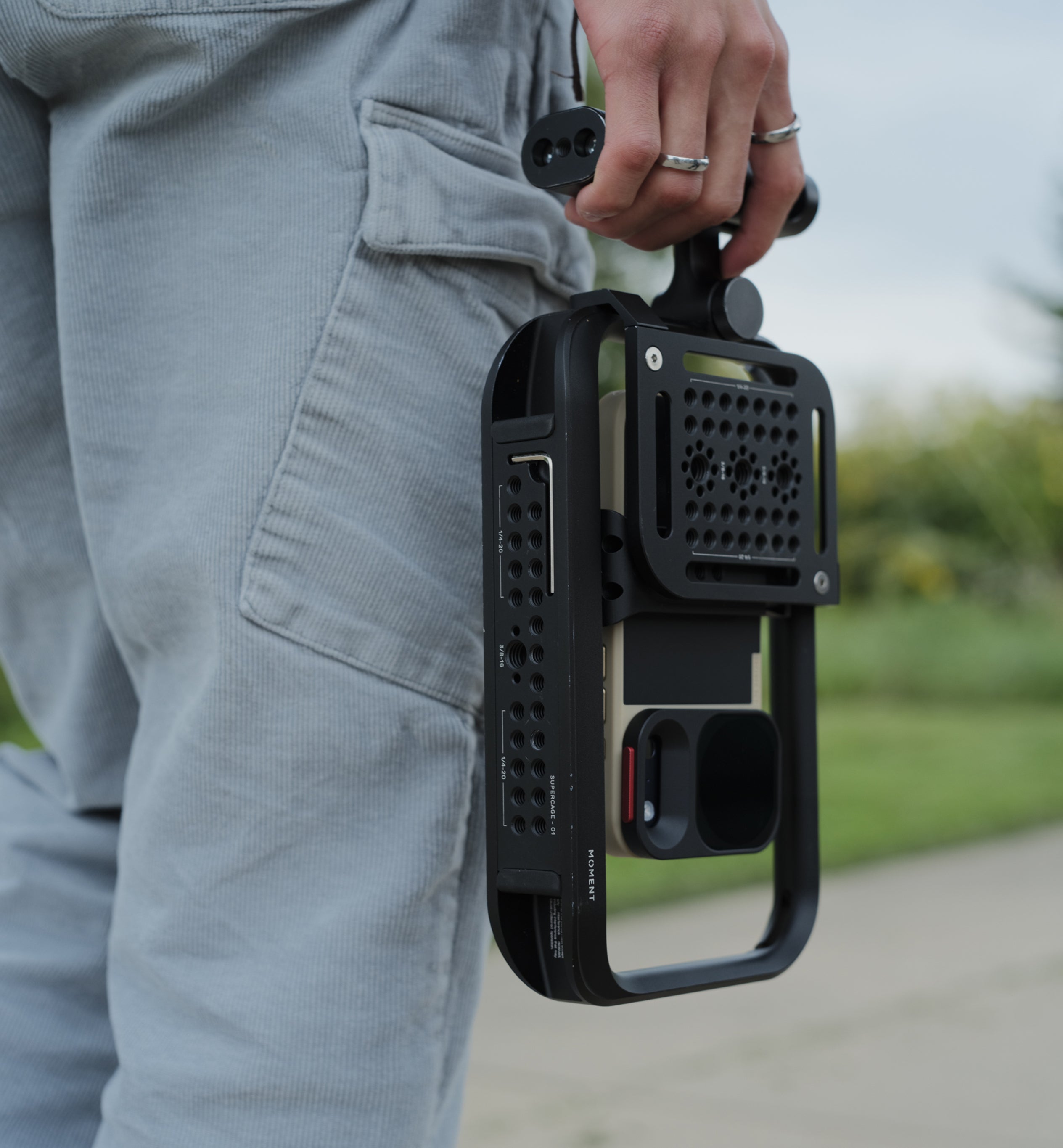
If you've already got an iPhone 17 Pro Moment case, good news: it'll fit your 18 Pro! You'll just need the updated metal drop-in mount, since that piece is sized slightly differently for the new phone. Order the mount, swap it in, and you're set — no need to buy a whole new case.
The 18 Pro case itself comes in a mix of old favorite colors and new ones. All the T-Series lenses work with it, but you will need the new Quick Lock filters to match the updated drop-in mount. Everything else that made this case great is still here — the grip on the back, MagSafe, the camera control button, and compatibility with T-Series lenses, Quick Lock filters, and the (still underrated) QuickLink system.


Film grain, and a few final thoughts
The new film and grain photographic style is subtle… tasteful, even, at least on first look. It pairs really well with Moment lenses, though I want to spend more time with it before I say anything definitive.
Overall, I walked away impressed. Both with the phone and with how well our lenses keep pace with it. What I'm most happy about is that aperture control works across nearly the whole Moment lineup. The one exception is the Super Tele, simply because the camera it sits on doesn't support aperture control in the first place.
If you haven't checked them out yet, there are new accessories for the iPhone 18 Pro in the Moment store, along with updates to some old favorites. New phone, new cases, new accessories — can't wait to see what the rest of the team creates with this thing.
 Shot on Tele 58mm II |
 Shot on Tele 58mm II |
 Shot on Tele 58mm II |
 Shot on Tele 58mm II |
Want more? Read Davey's iPhone 18 Pro first look or browse our top iPhone 18 Pro camera gear.
Read more

Liguria photo spots bucket list from a local: Camogli, Recco, San Fruttuoso, Bonassola, Sestri Levante and the Rapallo–Portofino walk, with photography tips.
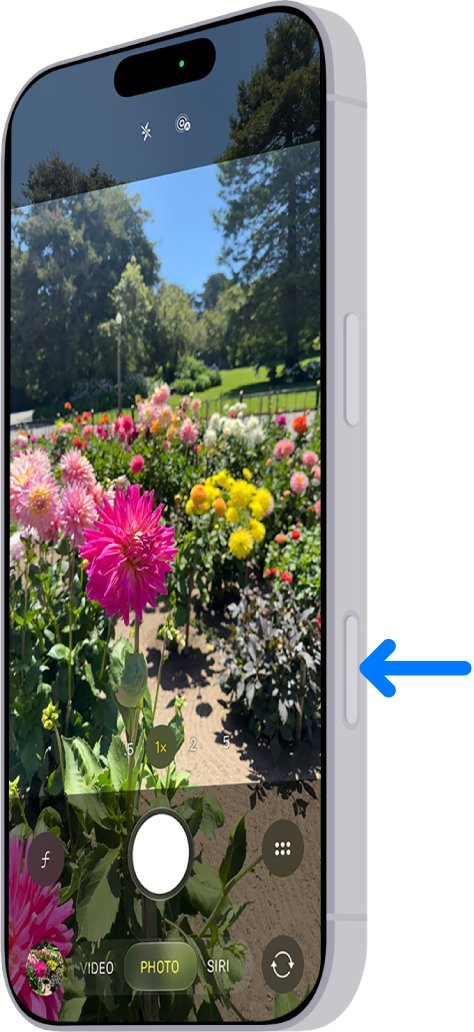
What every Camera Control gesture does on iPhone 18 Pro, how to set it up, and how to use it to shoot more like a real camera.