
The Best Camera Apps for iPhone 18 Pro (and the One I'd Skip)
The iPhone 18 Pro is one of the first iPhones where the stock Camera app genuinely gave me pause about third-party apps. While it’s true that Apple finally added more Pro controls to the native camera capture app (aperture, shutter speed, white balance and a live histogram!!!), and the new variable aperture means the main camera can physically stop down for the first time, just like my GFX. So do you even need another camera app anymore?
Well, it depends on how you shoot. Because Apple’s app only gives you roughly 4 main aperture settings, there are a ton of other choices, like Moment’s Pro Camera II, that give you well over 100+ features to choose from. Others, like VSCO, give you looks you can't get from Apple's editing suite, or workflows built for filmmakers and editors that Netflix filmmakers require. And some just do one thing really, really well.
Before we start, you're reading this on the Moment Journal, so take my first pick with whatever grain of salt you need. I'm going to be just as honest about it as everything else on this list, cons included.
The quick list
| App | Best for | Price | iPhone 18 Pro aperture control |
|---|---|---|---|
| Moment Pro Camera II | Manual photo and video | $9.99 one-time | Yes, in 1/3 stops |
| Snapseed | Photo editing | Free | Doesn't apply |
| Halide Mark III | Beautiful straight-out-of-camera photos | $19.99/yr or $59.99 one-time | Yes, with Aperture Priority |
| Adobe Lightroom | Editing (with a solid built-in camera) | Free, Premium subscription optional | Not announced |
| VSCO | Filters and film looks | Free, Plus and Pro memberships | No |
| Blackmagic Camera | Free filmmaking | Free | Yes, ten settings |
| Final Cut Camera | Multicam and Apple editing workflows | Free | Yes, with Aperture and Shutter Priority |
| Mark II Artist's Viewfinder | Location scouting and previs | Paid one-time | Doesn't apply |
| Filmic Pro | Its legacy | Subscription only | Not announced |
Moment Pro Camera II
Best for manual photography (and video)
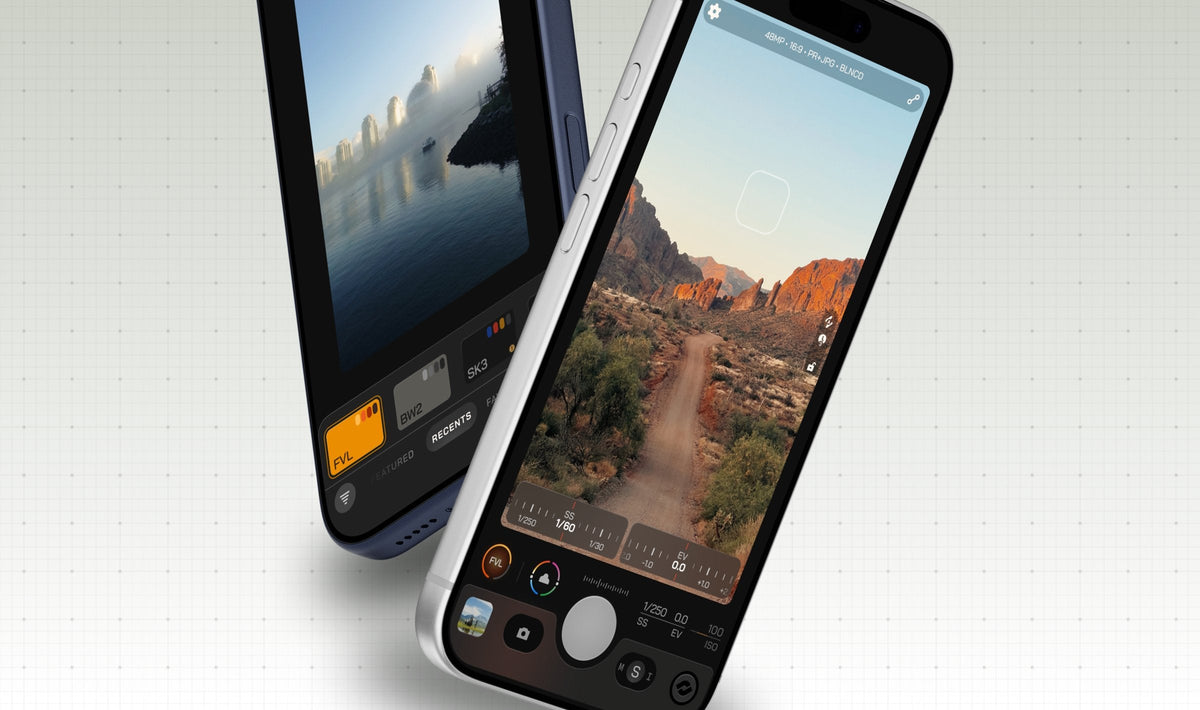
If you want your iPhone to feel like a real camera, this is the one I reach for most. Moment rebuilt Pro Camera II from the ground up since its inception, and you can feel the refined difference. You get proper exposure modes (Auto, Shutter Priority, ISO Priority and full Manual), the option to cap auto ISO so your shots don’t look mushy in low light, and monitoring like a waveform and RGB histograms. On the video side, there's Apple Log, ProRes, Open Gate (YES!), 10-bit recording and custom LUTs. You can also save “Profiles”, which are just like presets for your whole shooting setup, so switching from street photos to a video is easy.
On the iPhone 18 Pro, it lets you set the aperture anywhere from f/1.48 to f/4.0 in 1/3-stop increments, the way a dedicated camera does. Any intermediate steps work inside the exposure modes too. Will you see the difference between every single third of a stop on a phone-sized sensor? Probably not. BUT, just having the option is what makes it feel like a real camera.
The feature everyone raves about, though, is Natural Processing. It gets rid of Apple's crispy sharpening and HDR-like look and keeps the sensor's natural grain, giving you pictures that look softer and almost more film-like. People keep comparing it to an early-2000s digicam or an old iPhone, which is what the people crave. If you're tired of that crunchy, over-processed iPhone look, this is the fix.
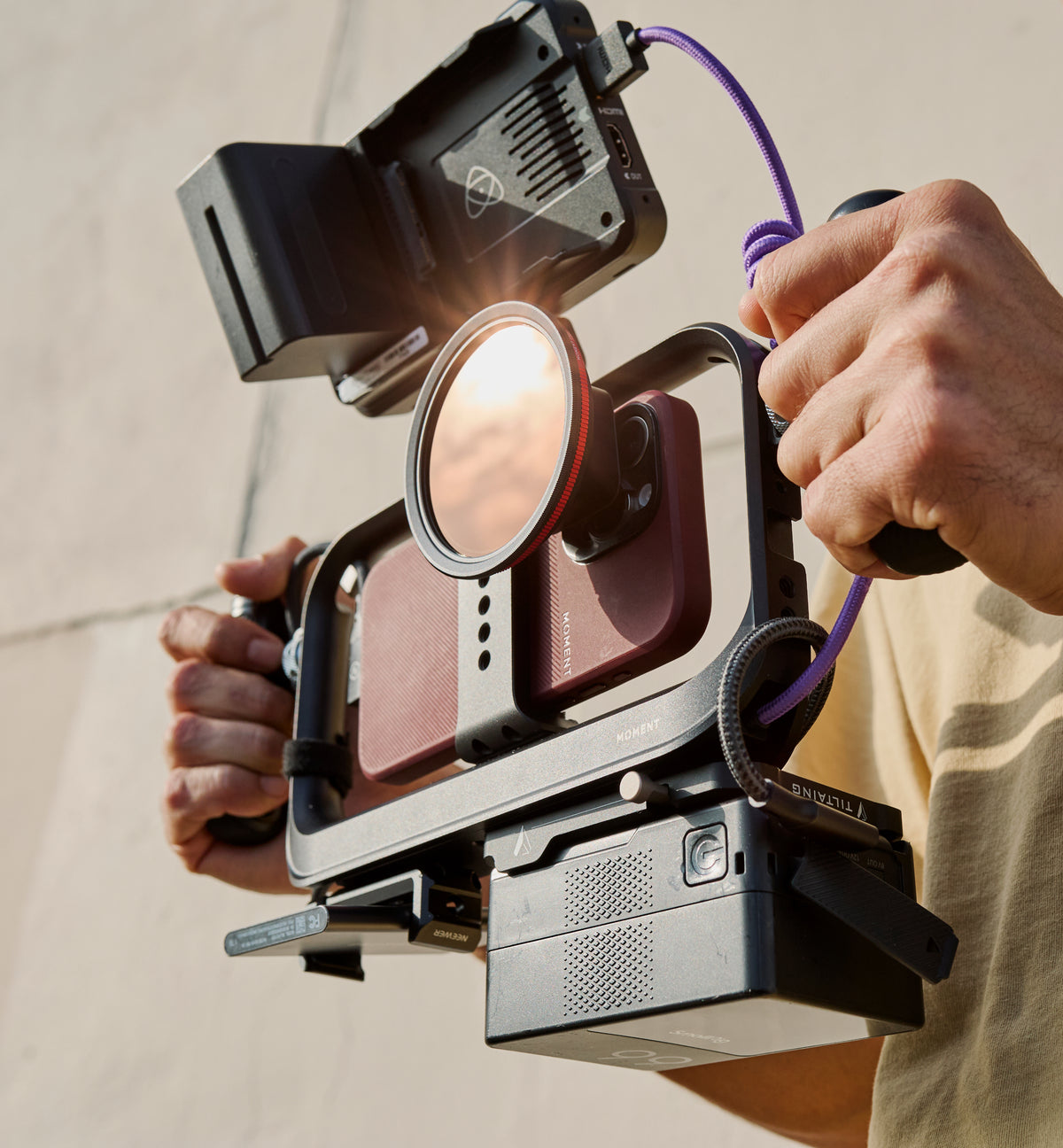
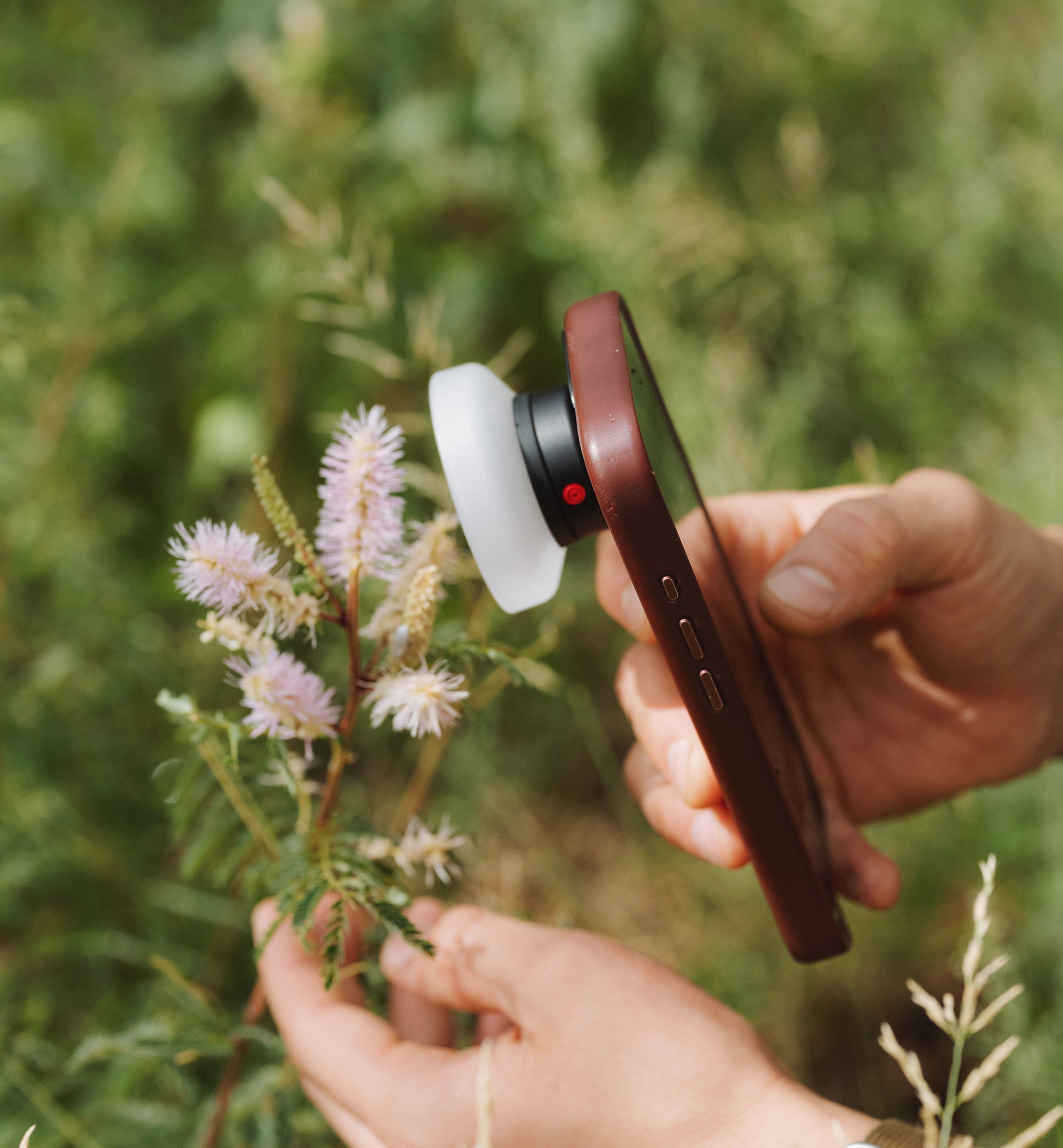
Plus, it works seamlessly with Moment's lenses and QuickLock filters.
The cons. Natural Processing isn't for every scene, though. It applies to your JPEGs and HEIFs, not your RAW files, and some users find it runs a little dark (plus, by nature of the feature itself, makes your photo down to 12MP).
 Image via Moment.
Snapseed
Best for photo editing
Snapseed has been around for many years — and its reputation stays true to its users. You get a whopping 30+ professional tools and pro-level advanced features completely free. I feel like most editing apps take advantage of users’ wallets these days with subscriptions we forget about years later. Still, Snapseed keeps delivering upgrades and a top-of-the-line (and always updated) suite of film styles, masking tools, one-touch fixes, and RAW or batch support. You can also change the original image to preserve quality, which I personally adore.
The cons. Some of the gesture controls do require a bit of a learning curve, but listen — it’s free! So, that’s huge. The vintage styles aren’t quite on par with VSCO's, but for everyday edits and basic editing, this is definitely the go-to.
 Image via Popular Science.
Halide Mark III
Best for beautiful photos straight out of camera
Halide has been a favorite in the iPhone photography community for years, and Mark III, which launched this past May, is its biggest update to date. Its breadwinning feature is “Looks”, a set of film-inspired editing styles built on Halide's Process Zero engine, which similarly to Moment’s Natural Processing, also skips Apple's computational processing at all. Which is nice because they aren't just filters on top of your image, but they’re actually baked into the metadata of the original image.
There's also a new Photo Lab for editing all the RAW files, and you can even import RAW files from your standalone camera and run them through Halide's processing. Specific to the iPhone 18 Pro, you can pick any f-number between f/1.48 and f/4.0, and gives you a nice Aperture Priority mode for the best setting operations, every time.
The cons. Not the cheapest as far as apps go. You pay either $19.99 a year or $59.99 for a lifetime license, though it's free if you already bought Mark II. Kind of like Moment’s Natural Processing, Halide’s Process Zero is very unforgiving in dark scenes, since you lose the multi-frame magic Apple computationally uses to clean up grain and noise. The redesigned interface has been said to feel more confusing, compared to the Mark II layout.
 Image via iClarified.
Adobe Lightroom
Best for advanced photo editing
Lightroom on mobile is essentially Adobe's desktop editor shrunk down to your phone, and it's still the freaking gold standard for editing. Pro and amateur photographers alike will always vouch for Lightroom. You get RAW editing, curves, color grading, presets and all the sliders you'd expect on the computer… tied up in an interface that's surprisingly approachable for first-timers.
You'll need a free Adobe account to use it (you can sign in with Google or Apple). From there, presets and the basic editing tools are free.
The cons. The free version is more limited than people think, though, I will say. The more obviously pro-level features like masking, Lens Blur and Generative Remove, sit behind a Premium paywall. And a Premium plan bought through the App Store only unlocks those features on your phone. And if you want everything synced across your computer and the web, you'll need a Creative Cloud plan. If you’re new to Adobe, as always with them, expect some upsells.
 Image via Adobe Lightroom
VSCO
Best for filters
I've been using VSCO for over a decade at this point. Part of that is loving what the brand has stood for in the artistic community, but mostly it's because their filters are just that damn good. I still haven't found another app that beats them. Their film emulations nail the feel of classic stocks, and their C series in particular has that vibrant, fun vintage look people chase (I personally use the KK series across all my iPhone pictures).
You can also shoot directly in the app with the filter previewed live, which I love because it forces you to nail the shot in camera rather than lean on editing later. VSCO doesn't try to be a super-advanced editor, and honestly, that's part of its charm.
The cons. Not really a con, but I’ll voice my concern in case it matters. VSCO has drifted a long way from the simple editing app I fell in love with, and has since leaned hard into being a social platform with AI tools, and long-time users (me included) have mixed feelings about the changes. The pricing has also climbed to a Plus account at $39.99 a year and Pro at $69.99. But, with the jump comes a suite of other artistic features that I know the community does like. Take your pick.
 Image via VSCO.
Blackmagic Camera
Best free app for filmmakers
This one is for the filmmakers, and it's completely free, which still blows my mind. Blackmagic Camera offers big-rig controls using the same language as Blackmagic's real cinema cameras, like shutter angle, ISO and white balance. It can record 10-bit ProRes and Apple Log, and it hooks seamlessly into Blackmagic Cloud and DaVinci Resolve if you've got your setup in either.
The iPhone 18 Pro update (version 3.5) added variable aperture control with ten settings between f/1.48 and f/4.0. It also added recording ProRes straight to the new Pro Video Storage and Cinematic mode recording.
The cons. The interface feels a little dense and cluttered. But, I don’t know, it IS totally free.
 Image via Blackmagic.
Final Cut Camera
Best for multicam shoots and Apple editing workflows
Final Cut Camera is Apple's own pro video app, and it’s honestly awesome. Even professionals love it. I use it on my desktop for all my personal video shoots.
I’d argue the app’s superpower is Live Multicam, where you can connect up to four iPhones or iPads to Final Cut Pro for iPad and you can direct, monitor and record every angle at once. Pretty darn big for things like interviews or podcasts on the go.
It also added full variable aperture support on the iPhone 18 Pro, with Aperture Priority, Shutter Priority and Manual modes. You also get pro monitoring tools like an RGB Parade and a histogram. And if you shoot ProRes or Apple Log on an iPhone 18 Pro, you can add Cinematic mode effects afterward and adjust the focus and depth in Final Cut Pro. Moving footage to a Mac is also easier now, since you can plug your iPhone in over USB-C and import directly instead of waiting on AirDrop.
The cons. It's video only, so there's no still photography here. It also really makes the most sense if you already edit in Final Cut Pro on desktop. The app itself is a free download, but Final Cut Pro now lives under Apple's Creator Studio subscription ($12.99 a month or $129 a year). If you edit in Premiere or Resolve, then Blackmagic Camera is gonna be the better fit.
 Image from Apple.
Mark II Artist's Viewfinder
Best for location scouting and previsualization
The Artist’s Viewfinder is literally like a director's viewfinder in your pocket. You pick a camera and lens from its gigantic database (800+ still and cinema cameras, plus medium and large format backs, with real lens data from brands like Leica, Zeiss and Hasselblad). The app then shows you exactly what that combination would frame from where you're standing.
This is a funny accessory to those who might not get it, but IYKYK. For DPs, cinematographers and photographers who work off a tripod with bigger cameras, it can be a godsend. You can scout a location, find your angles and know which lens to bring before you haul your whole kit, or are annoyingly forced to move it. Every frame saves with its simulation settings and location data, so you can review your scout later.
The cons. It's niche, and it's a pricey, one-time purchase that costs more than most apps on this list.
 Image from DIRE Studio.
Filmic Pro
The one I'd skip (for now)
Yikes, it hurts to write this one. Filmic Pro was the mobile filmmaking app for years, and I remember gloating the app in the early days of Moment before our App is what it was today. It’s the app that proved you could shoot serious work on a phone. But a lot has changed since then.
Bending Spoons bought Filmic in 2022 and switched the app from a one-time purchase to a subscription, and the original team was laid off the following year. So, that sucks. And while the app is still on the App Store and still getting updates, it's been at a maintenance pace since, with mostly bug fixes. Its ratings reflect the crowd’s frustration (3.7 stars), and there's been no announcement of iPhone 18 Pro variable aperture support.
If you already have it and it works for you, great. But if you're starting fresh, Blackmagic Camera does most of what Filmic did, for free, and it's actively building for the new hardware.
Read more
A clear breakdown of every iPhone 18 Pro focal length, from the 13mm Ultra Wide to the 200mm crop, plus which real lenses vs. crops to use when.
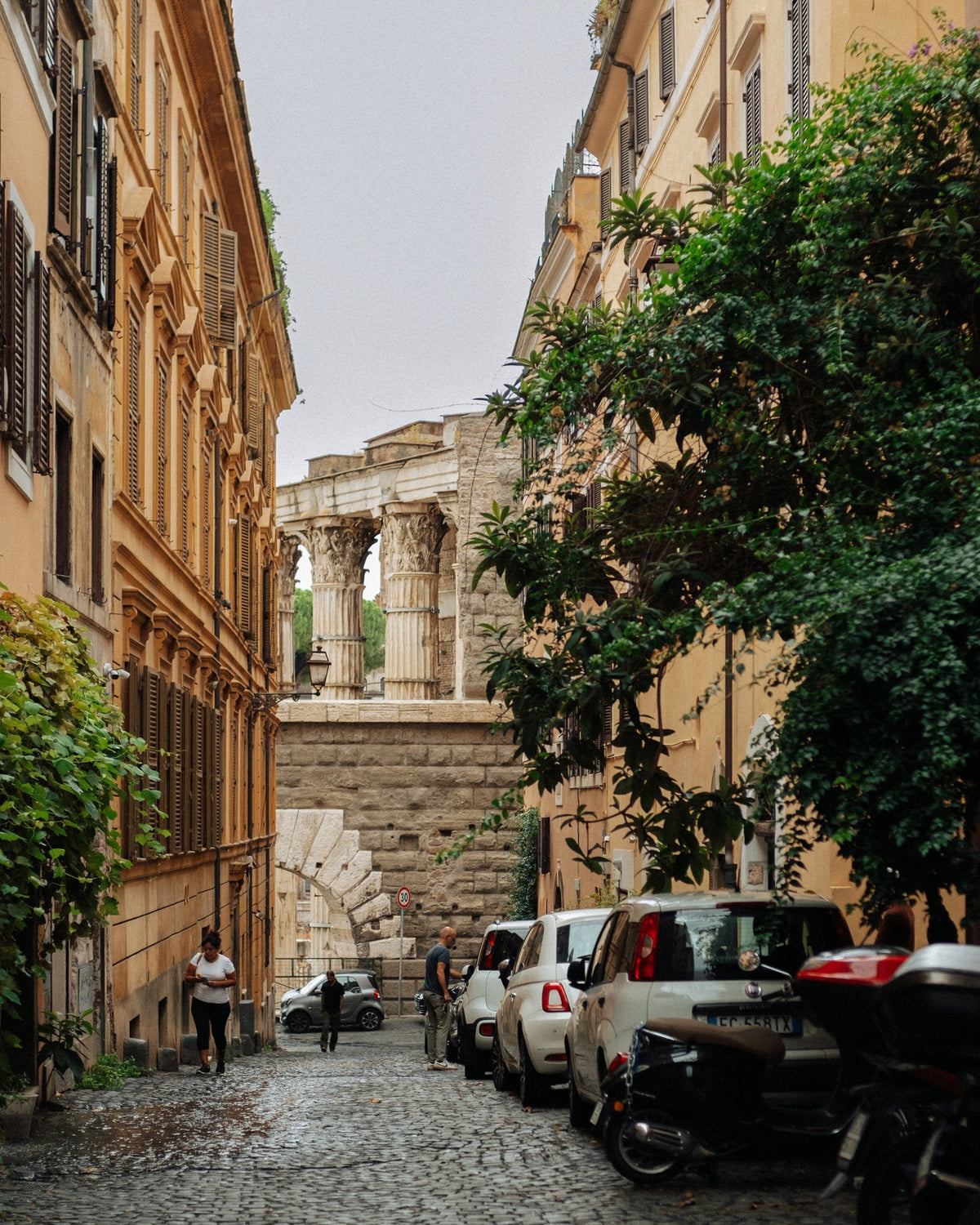
Five Rome photo spots beyond the obvious, from Monti and Prati to Villa Borghese and Ponte Sant’Angelo, with practical tips for photographers.