

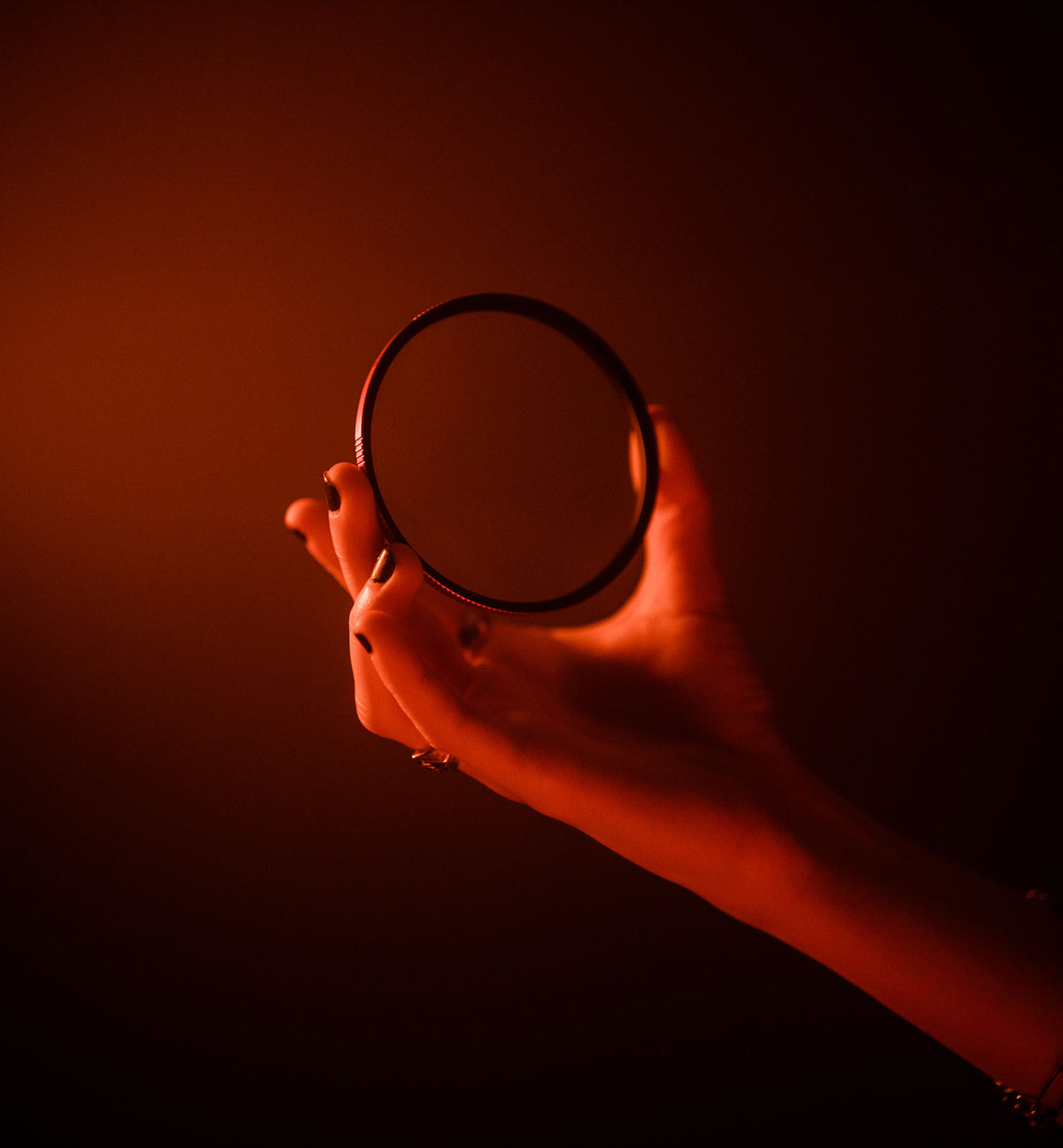

The Moment CineBloom Filter Review: Best Diffusion Filter That Make Photos Look Like Film
The dreamiest looking photos.
Our #1 best-selling filter, the CineBloom diffusion filter, is the perfect testament to film-like photos without breaking the bank on expensive film stock.
It gives off a beautiful hazy glow around lit subjects, creating a unique style that you wouldn’t otherwise be able to edit in Photoshop. It eliminates that clinical look often felt in today's digital cameras and softens skin tones to remove blemishes without using AI editing tools. It's fun (and cost effective) tool that makes shooting photos way more fun.
As someone who typically keeps things simple and doesn't rely on extra tools, I previously didn’t know much about diffusion filters or how photographers captured that milky, dreamy haze without it looking like a lens smudge. But after using it in the field for a round of test shooting, my interest grew even more intrigued. I had a fantastic experience using it during a shoot with the Marias in LA, and I’m absolutely hooked — I can’t imagine taking it out of the camera bag now.
Effortless Haze
Makes Your Digital Creations Look Like Film
Premium Glass
Keep your camera scratch and dirt free with CineBloom’s protective layer of premium glass.


Takes The Edge Off
The CineBloom Diffusion Filter is pretty much exactly what it sounds like: it makes your picture look more cinematic and bloomed.
Not only does it diffuse and radiate light when shooting directly at the light source (such as a lamp or the sun at midday), but it also illuminates skin tones and softens wrinkles. This is particularly important for editing portraits on high-clarity digital cameras, such as my Fujifilm GFX 50S II. Often, the clarity is harsh and brings out details in a sludgy manner, which is not my favorite if the lighting is even remotely unflattering.
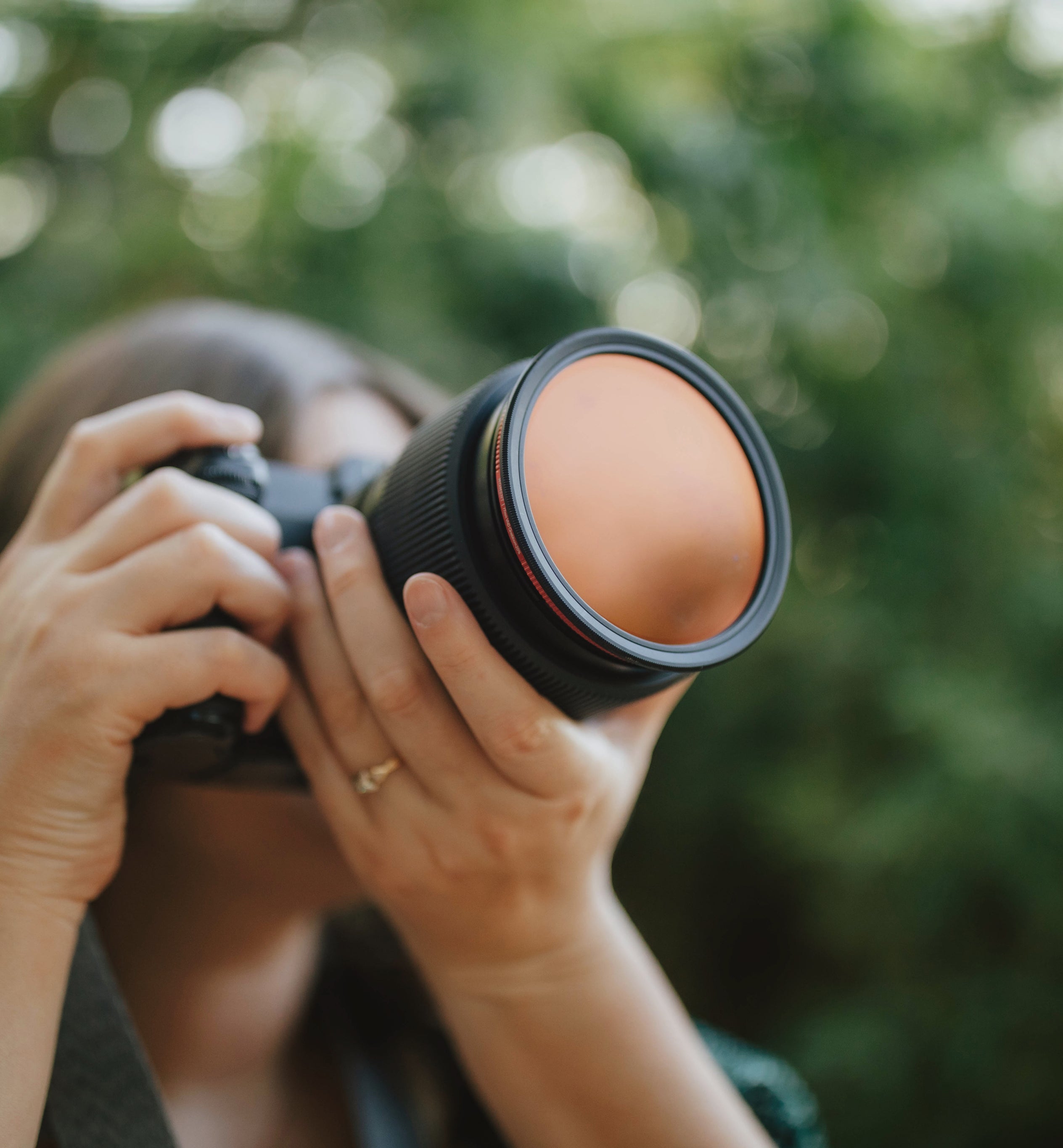
If you're adding an extra layer of glass on top of your camera lens, it really needs to remain scuff-free and absolutely for accurate color rendering. The CineBloom is acutely engineered by fusing a micro-layer of black particulates between two layers of premium Japanese filter glass, which means it preserves the image quality of your original subject perfectly. The bloom effect is visually apparent, but the color retention remains accurate, and the tones are neutral.
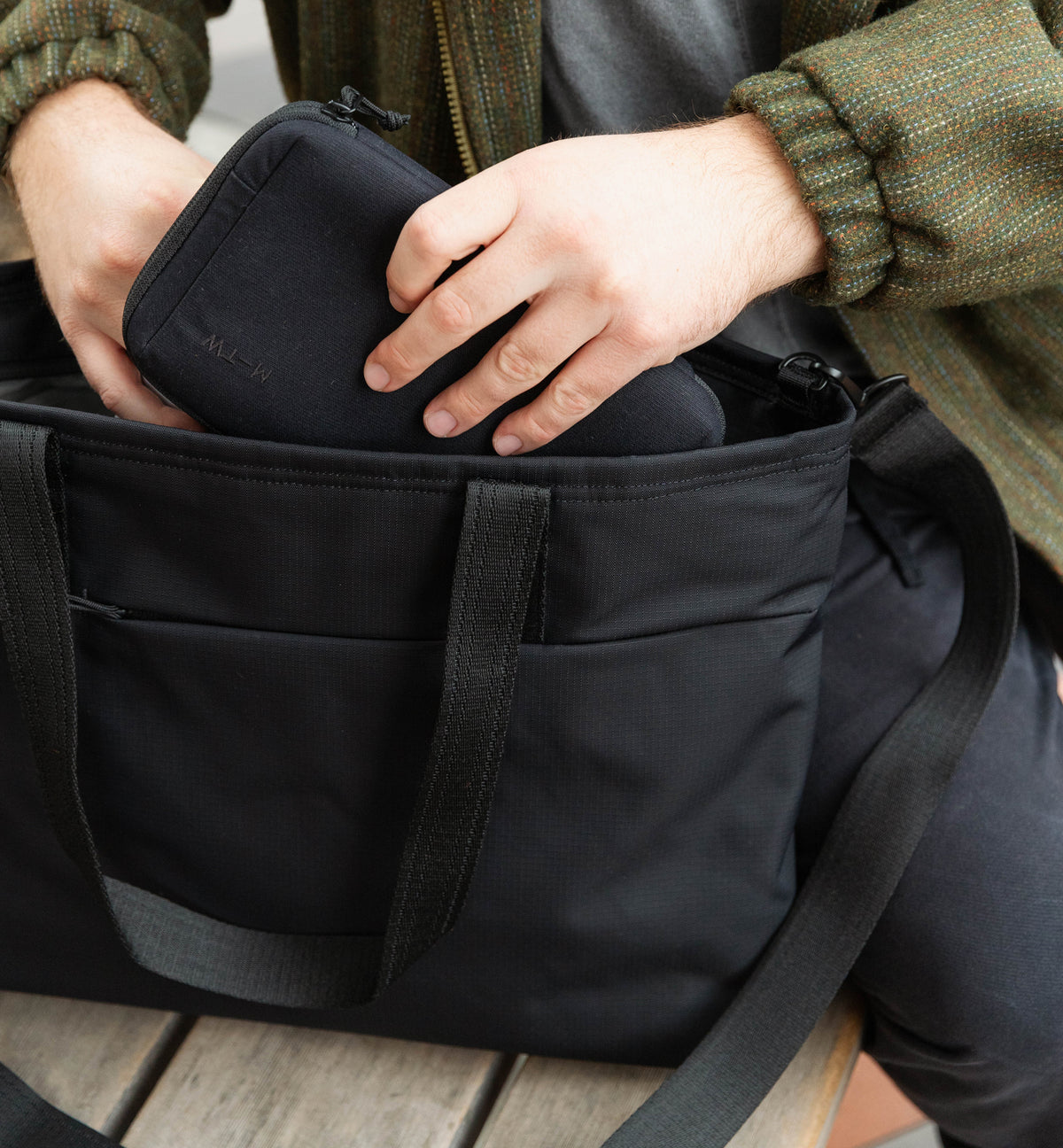
It's sturdy enough to hold and doesn't snag when rotated, making the build quality comparable to that of more expensive filters on the market. Pop it in the metal casing it comes in, throw it into the camera bag, and pull it out easily whenever you need to. The case resembles a compact mirror and fits the palm of your hand, sized perfectly to drop into any mesh pocket or camera sling (shoot, sometimes I'll even put it in my purse if I'm bringing my point-and-shoot!).
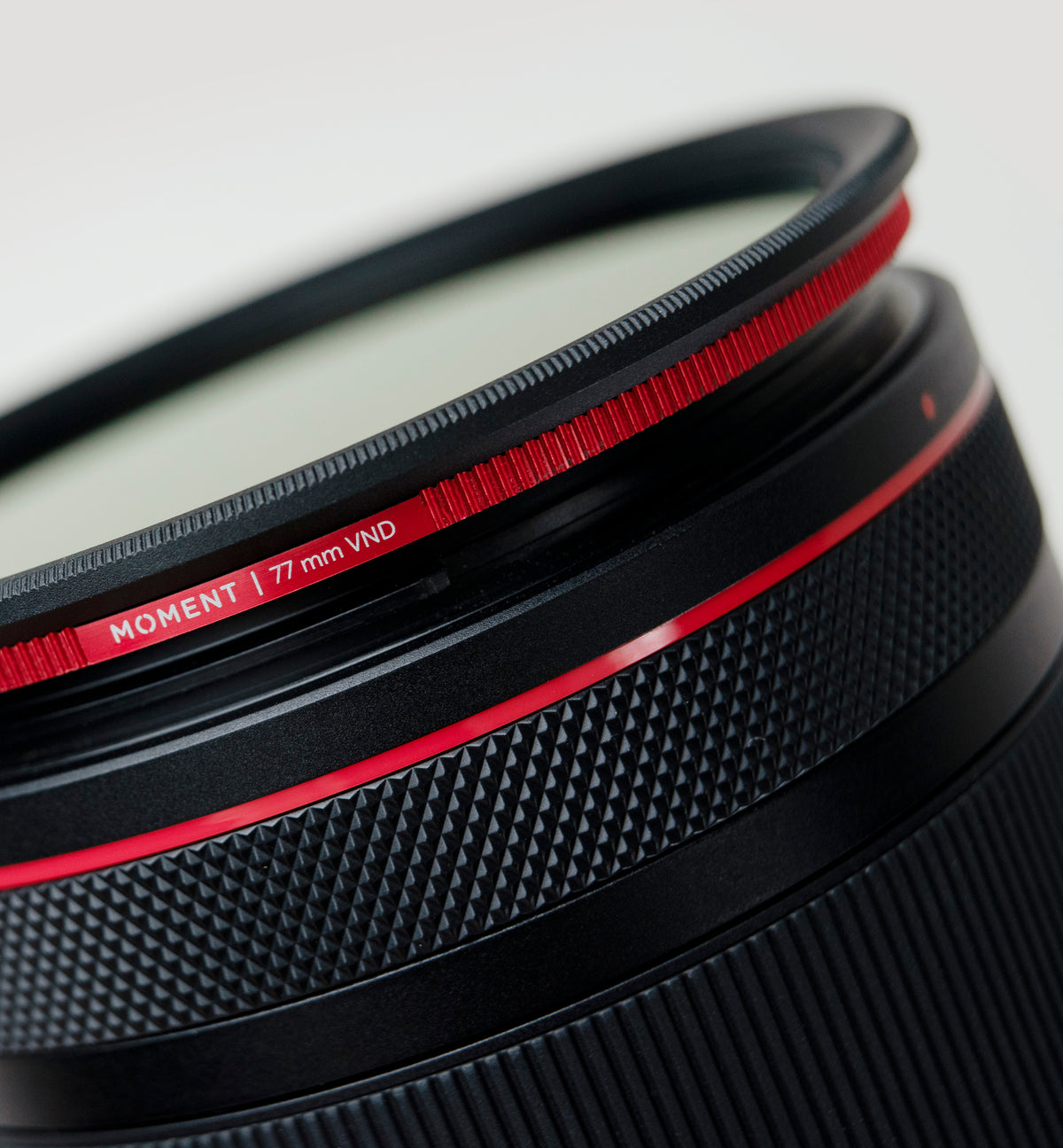
Its clever design makes it slender enough to stack beneath another filter without sacrificing the field of view, making it pair perfectly with our Variable ND filters if you want extra light control or motion blurring on a day. Alternatively, if that's the route you want to take, consider our CineBloom VND, a newer all-in-one filter that offers both options. Check out my full review of that brilliant product (I actually prefer the all-in-one over the traditional CineBloom, too; that's how much I love it).
And I want to emphasize this point — using a filter is significantly better than relying on Photoshop tools or AI haze features in your software. You can stay true to your style by using real glass for your photos and videos. I dislike the idea of relying on post-production to complete my vision; I'd much prefer to manually adjust and refine the best photo I can in the field, rather than afterward.


The 10% vs 20% Densities
The CineBloom is available in 10% and 20% densities, each offering its own unique use case.
The 10% (often written as '1/4' by other filter brands or products) is excellent for everyday use, softening the clinical clarity just enough to make your footage more tolerable to edit. The 20% is a lot more stylized and emits a noticeably milky, dreamy haze across your subject, giving a super fashionable, old-Hollywood look similar to a beautiful, imperfect quality, like an analog print.
Personally, I feel the need to own both densities. Moment offers a bundle that saves you less money than the price of two, because I genuinely think that both the 20% and 20% serve their individual purposes. When I'm out of the sun during broad, hot daylight, I love the glowy look of 20% against skin tones or water reflections, which makes the image look more editorial and magazine-like. But, I don't enjoy how bloomy it feels when used indoors; I much prefer the neutrality of the 10% for interior shadows or highlights.
A somewhat unsatisfactory answer, but it really depends on your visual preference or the project. Get both.


QuickLock CineBloom Filters for iPhone
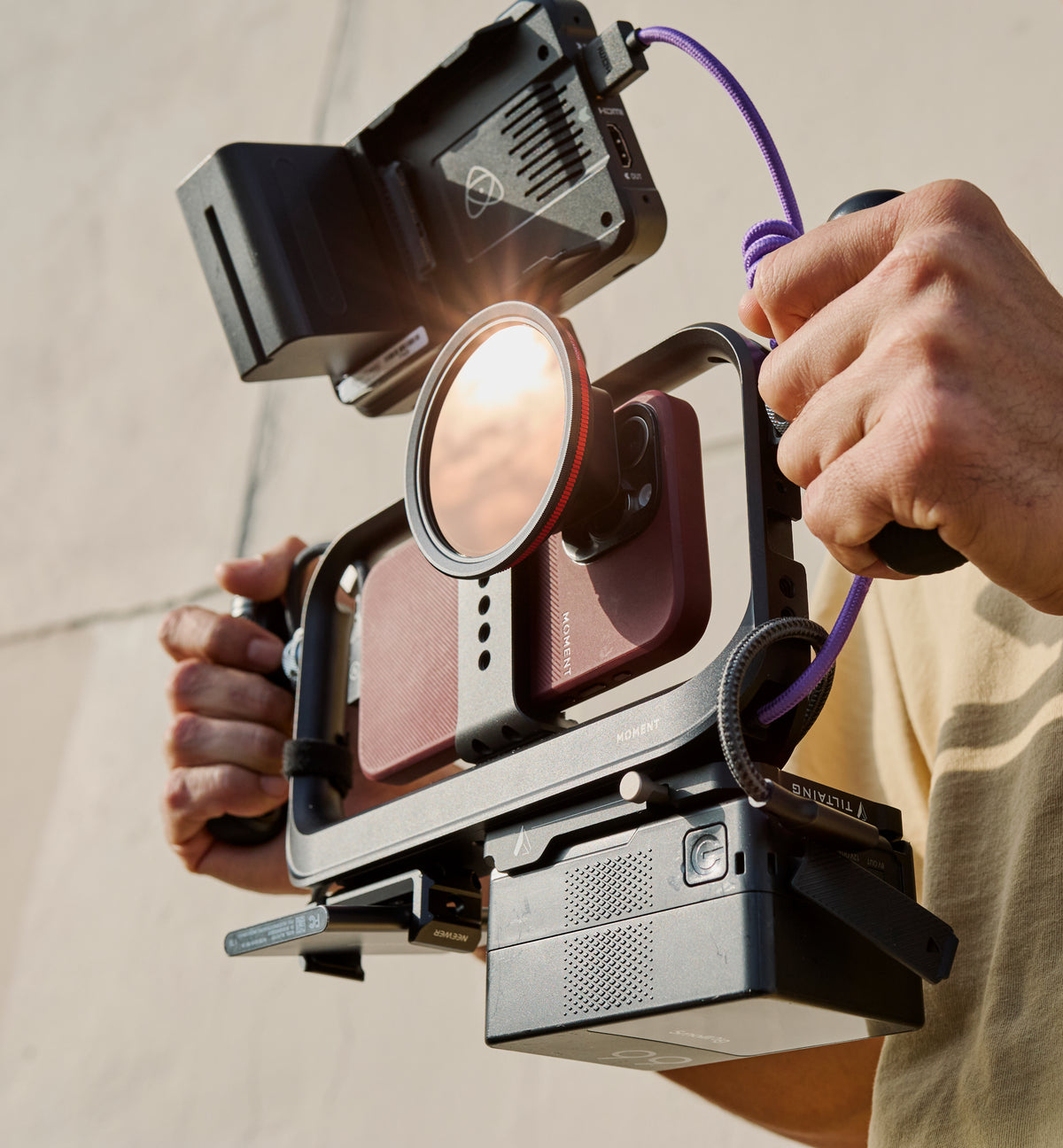
Come on — we're a mobile company, of course we wanted to bring CineBloom magic to the phone! There's 2 ways to go about it....
Grab a 67mm filter thread with a 67mm Filter Adapter for your phone (especially useful if you have a phone older than the iPhone 15 series)
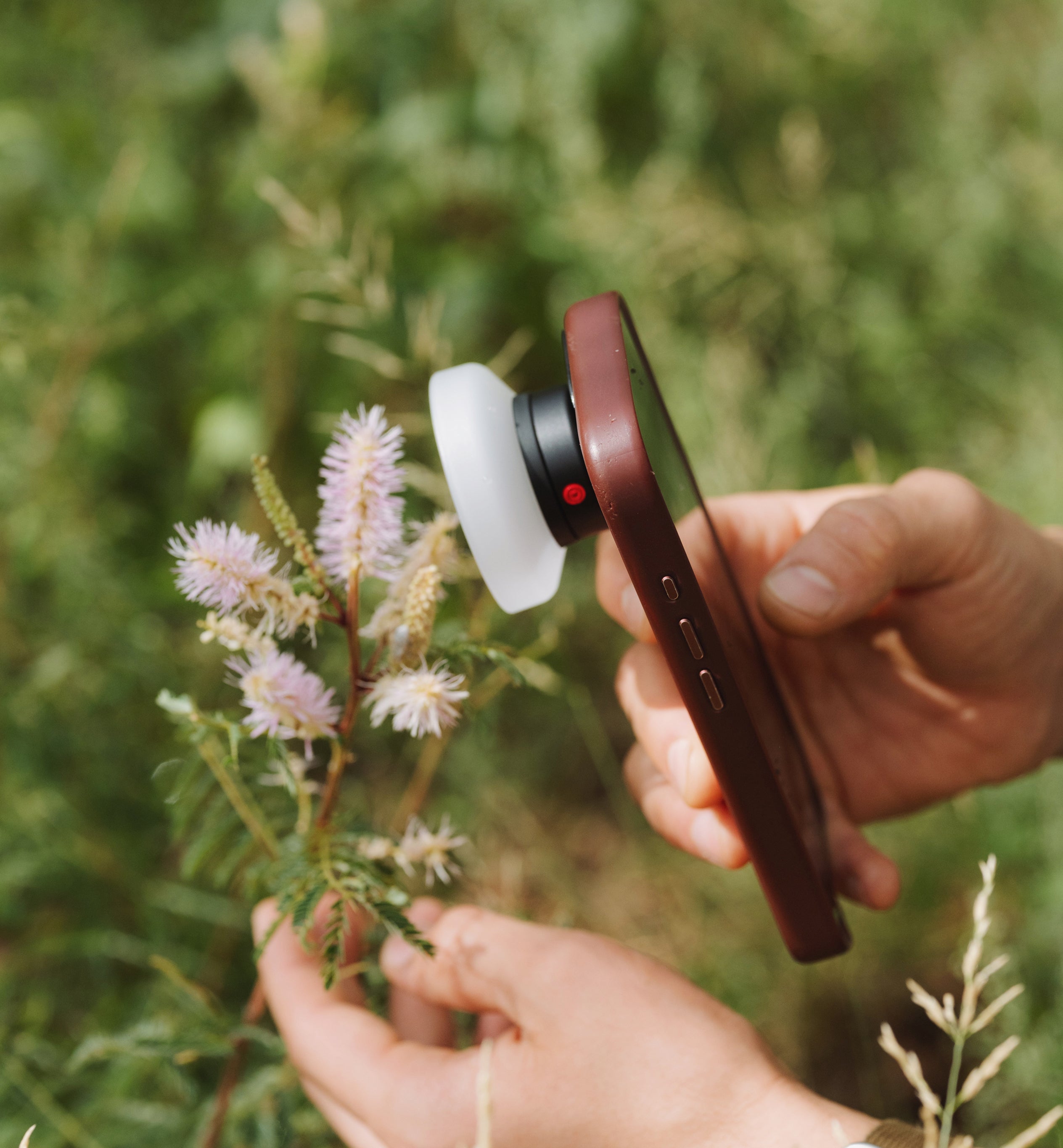
Use a QuickLock filter (only possible for the iPhone 15/16 series and newer; sorry, folks!), which is my personal favorite method.
The QuickLock CineBloom filter is the freaking best. I kayaked 6 miles down the Salt River in Eastern Arizona and didn't want to risk getting my big camera wet (which, thank goodness, I didn't, as I totally capsized and fell less than a mile in). Along the way, I captured breathtaking portraits of the Sonoran Desert. The CineBloom 20% is my personal favorite because the blooming density is much less noticeable on the iPhone than on my camera lens, so I opted for the higher stylized look. It perfectly skewed the light and softened hairlines, tree leaves, and other high-clarity subjects that Apple tends to overemphasize in its software.
The QuickLock Filter is significantly slimmer and less intrusive than the 67mm filter and its tandem mount, and even easier to use than our mobile lenses. You click the button to lock and secure it in place, and voila. I could slip the phone in and out of the pocket really easily if I needed it in a pinch, though I wouldn't recommend that to voice scratching the filter, just in case.


Read more

The gear, accessories, and the app that makes any iPhone model's camera the best it can be for photos and videos.
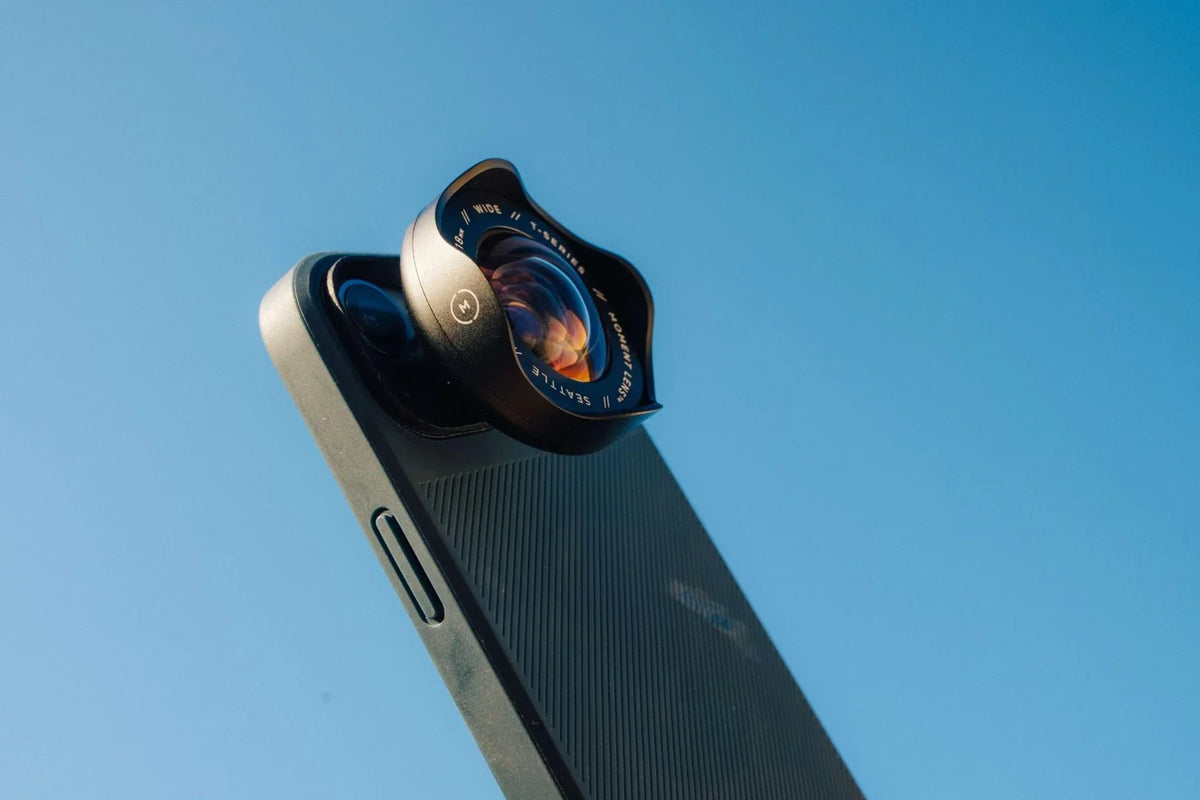
Field testing the best-selling Moment Wide 18mm lens for mobile photography and filmmaking across all subjects: portraits, architecture, and lifestyle.