

iPhone 18 Focal Lengths Explained: 24mm to 200mm+
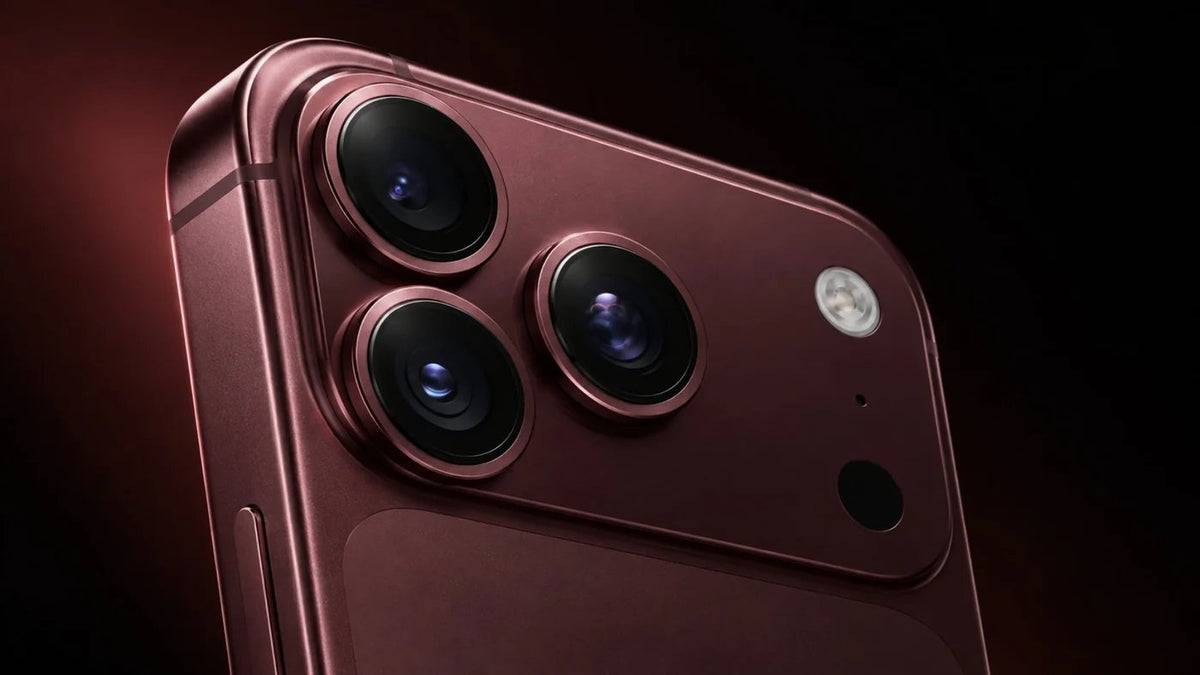
Apple’s latest and greatest iPhone 18 Pro covers five focal lengths built into its new 48MP Pro Fusion camera system. You’ve got the 13mm Ultra Wide, the standard 24mm Main at 1x, and then 48mm, 100mm and 200mm. All together, that adds up to 8x optical-quality zoom in and 2x optical zoom out, for a 16x optical-quality zoom range.
The way these numbers are ultimately reached can be confusing for the average user, and even as a photographer, I stumble over what they mean. To start, only three of the five focal lengths come from physical lenses (13mm, 24mm and 100mm). The other two (48mm and 200mm) are 12MP crops from the 48MP Main and Telephoto sensors. Apple put most of the launch spotlight on the Main camera’s new variable aperture, which deserves a separate piece of its own. So below, I’m breaking down each focal length and its zoom properties, including the two that seemingly got missed on launch day, so you can shoot your best on your new iPhone 18 Pro.
Let’s dive in.
 |
 |
Reading the Numbers
Every iPhone lens is physically tiny, so the millimeter figures Apple uses are basically equivalents. They tell you how much of a scene you’d capture with the same view on a full-frame camera. If you’ve ever shot with a 35mm or 50mm prime, those habits carry right over.
The “x” values on the zoom buttons all measure against the 24mm Main camera. Multiply 24mm by two and you get that 48mm (2x). Multiply by four and you get 96mm, which Apple rounds up to 100mm (4x). Multiply by eight for 192mm, rounded to 200mm (8x). Going the other way, 13mm is a bit more than half of 24mm, so the Ultra Wide gets the 0.5x button.
That same math decodes Apple’s marketing. The 8x zoom in is measured from 1x out to the 200mm frame. The 2x zoom out is the step from 1x back to the Ultra Wide. It’s closer to 1.85x if we’re being exact, and yes, I’m being exact.
The 16x range sounds the biggest and means the least on its own. But it isn’t a zoom level you can actually reach, it’s actually just the ratio between your widest and tightest frames, with 0.5x at one end and 8x at the other, and eight is sixteen times a half.
 Image via Apple, shot on iPhone 18 Pro.
Real Lenses vs. Crops
Apple uses two phrases on its published spec sheet. When it says “optical”, a dedicated, physical piece of glass is behind the frame. When it says “optical-quality”, the phone is cropping into a sensor.
Each of the three rear cameras uses a 48MP sensor. Keep only the middle quarter of that sensor and you’ve got a 12MP image covering half the width and half the height. That’s the same view a lens twice as long would give you. It’s how the 24mm Main produces the 48mm frame, and how the 100mm Telephoto produces the 200mm frame. Nothing is upscaled or guessed at, so the detail is real, but there’s just less of it.
But there are two trade-offs:
- Smaller files. They land at 12MP instead of that traditional nicer 48MP. That’s fine for social and everyday prints, but not great if you’re blowing the pictures up professionally.
- Weaker low light. Each shot uses only a slice of the sensor, so those frames give up some low-light performance compared with the full-sensor ones.
| Camera | Native focal length | Crop option | Aperture |
|---|---|---|---|
| Fusion Ultra Wide | 13mm (0.5x), 48MP | None | f/2.2, fixed |
| Fusion Main | 24mm (1x), 48MP | 48mm (2x), 12MP | f/1.48, f/1.8, f/2.8 or f/4.0 |
| Fusion Telephoto | 100mm (4x), 48MP | 200mm (8x), 12MP | f/2.8, fixed |
The Ultra Wide (13mm, 0.5x)
Apple’s 48MP Fusion Ultra Wide shoots at 13mm and f/2.2 with a 120-degree field of view. It’s the same camera that shipped on the 16 Pro and 17 Pro.
You shoot this one for funny or funky street scenes, or architecture.
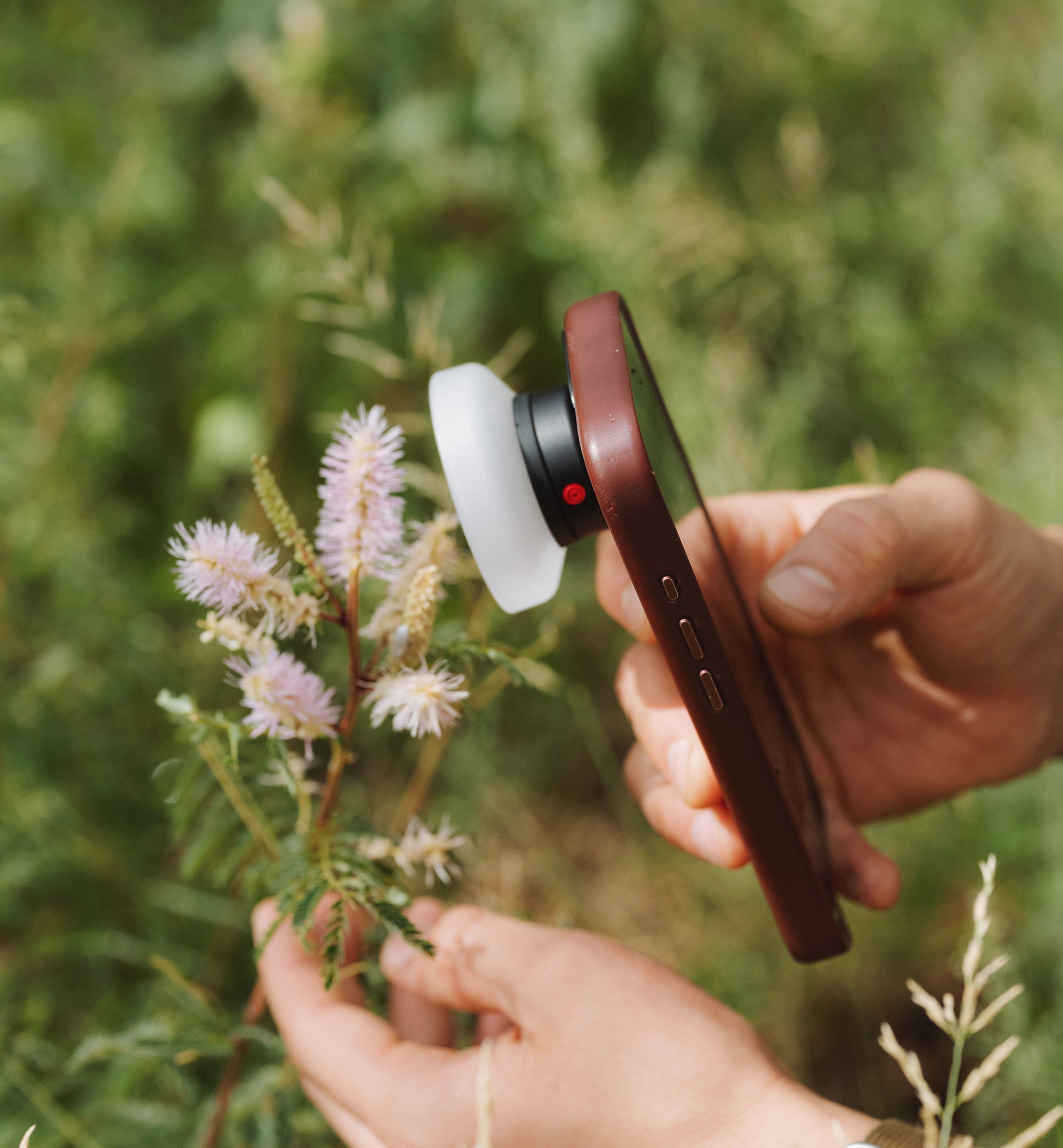
It also, believe it or not, handles macro. Apple supports 48MP macro photos and macro video, and the native Camera app hops over to the Ultra Wide on its own when you move in close, even with 1x still showing on screen.
Personally, the 0.5x lens distorts the images and holds a ton of grain / lower quality in low-light situations. If you’re wanting to opt for that super funky POV with crystal clear quality, check out the Moment Fisheye 8mm.
The Main Camera (24mm at 1x, 48mm at 2x)
This bad boy is the one that means the most. And it’s also the one Apple changed this year the most. This 48MP Fusion Main has the biggest sensor on the phone. Apple calls it a new sensor, though its size and 2.44µm quad-pixel spec match last year’s. The headline hardware is the aperture sitting in front of it.
From the iPhone 14 Pro through the 17 Pro, the main lens was locked at f/1.78, now cut down to the size of a hair thread, you can set it to f/1.48 (!!!), f/1.8, f/2.8 or f/4.0.
This means you’re gaining over half-a-stop with this new lens, letting in roughly 45% more light and quality.
Small sensors keep the effect visibly modest, so I don’t expect full-frame-style background melt, but reviewers so far describe its change between stops as a nudge in most scenes. But what’s great is that the camera does give you a real, physical choice in how much light comes in and how much of the scene stays sharp.
And if stops mean nothing to you, you can ignore all of it, and the phone will choose the aperture. If you’d rather drive, the new Pro controls live in the stock Camera app. Tap the Camera Controls button for Lens Aperture, Shutter Speed, White Balance and a live Histogram. They work across Photo, Video, Cinematic, Slo-mo and Time-Lapse.
Aperture is a Main-camera feature only, though. If you switch to 0.5x, 4x or 8x and it’s fixed again.
Apple also lets you customize the Main camera’s default lens. On the last few Pro models, that meant setting the 1x button to open at 28mm or 35mm. Which is pretty sick, because something about 35mm feels more eye-level.
 Image via Apple. The 24 mm Fusion Main camera is the only one of the three rear lenses with a variable aperture.
The 2x Crop (48mm)
This is the crop that barely came up at any Apple launch, but it’s honestly one of the most useful frames on the phone. Because it’s cut from the Main sensor, the 2x keeps that camera’s stabilization, focus system and variable aperture making it the only zoomed framing where aperture control still works.
At 48mm, it’s close to the sweet-spot nifty 50mm, the focal length nearest to how we naturally see. People look like themselves at this focal length, plates of food look appetizing rather than distorted, and casual street scenes feel way more natural.
Personally, I always shoot in 2x, but that’s also because I’m a sucker for mid-teles.
The Telephoto (100mm at 4x, 200mm at 8x)
The third lens is a 48MP Fusion Telephoto at 100mm and f/2.8, with Apple’s so-called Hybrid Focus Pixels plus 3D sensor-shift stabilization and autofocus.
It’s carried over from the 17 Pro. If you’re coming from a 16 Pro, you’re giving up a little reach. BUT the phone’s Telephoto was 120mm at 5x, on a 12MP sensor, so the trade is less zoom for a hell of a lot more resolution.
At 100mm you’re in traditional portrait territory, which is my personal favorite. The longer view compresses distance, so backgrounds feel closer and bigger behind your subject.
Though, admittedly, optical-quality zoom ranges are for quick grabs, they’re not for serious photo takers. If you want a true zoom on the lens without sacrificing quality or detail, the Moment 240mm SuperTele is the way to go. Take it birding, to your nephew’s soccer game, or even just for nice portraits that feel way more DSLR-like.
 Image via Apple. The 4x telephoto is a 100 mm f/2.8 tetraprism lens; the 8x setting is a 12MP crop from its 48MP sensor.
Picking your focal length
So, there you have it. I’m sure most of this information goes out the window once you’re in the field shooting snap-happy, but a quick breakdown for you in case you want a refresh:
- 0.5x (13mm) for wide scenes, small rooms and macro
- 1x (24mm) for everyday shots, low light and anything you may crop later
- 2x (48mm) for portraits at arm’s length, food and street
- 4x (100mm) for compressed, polished portraits and details
- 8x (200mm) for distant subjects in good light
My best advice is to plant your feet somewhere interesting and take the same photo at all five settings to really see the quality and difference. Five minutes of that will teach you more than any spec sheet. And before long, you’ll know which button to tap before the phone is even up.
Happy shooting!
Leer más
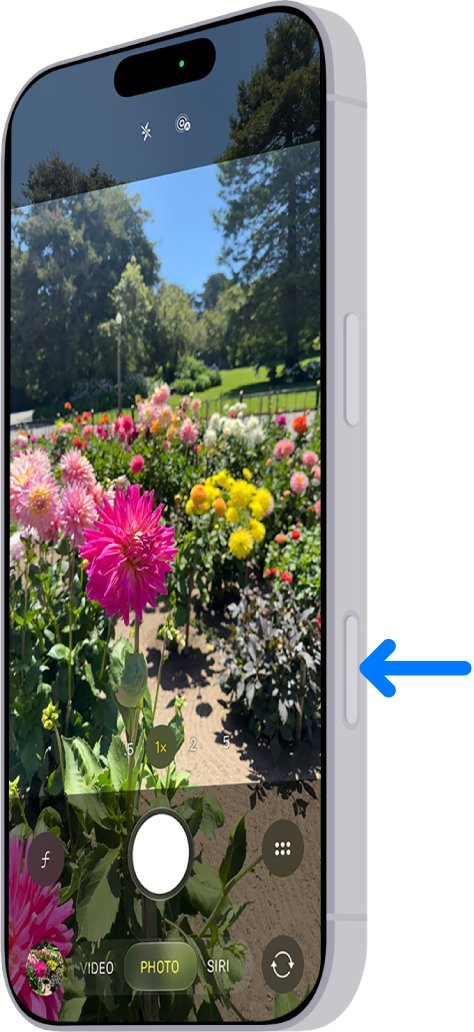
What every Camera Control gesture does on iPhone 18 Pro, how to set it up, and how to use it to shoot more like a real camera.
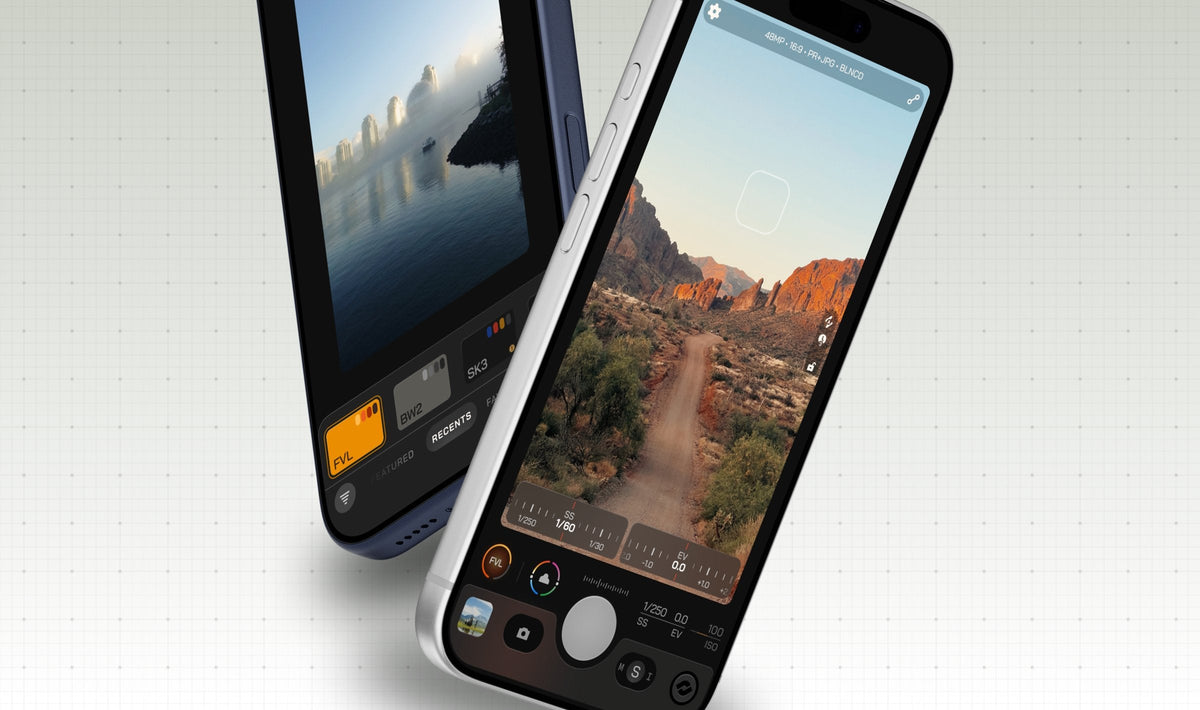
The best third-party camera and editing apps for iPhone 18 Pro, from Moment Pro Camera II and Halide to Blackmagic Camera, with honest pros and cons.